

Dispersion display in the game plan
Whether a target suits you also depends on how widely your shots scatter with the selected club. In a bebrassie game plan, you find these values under Calibration, per club.
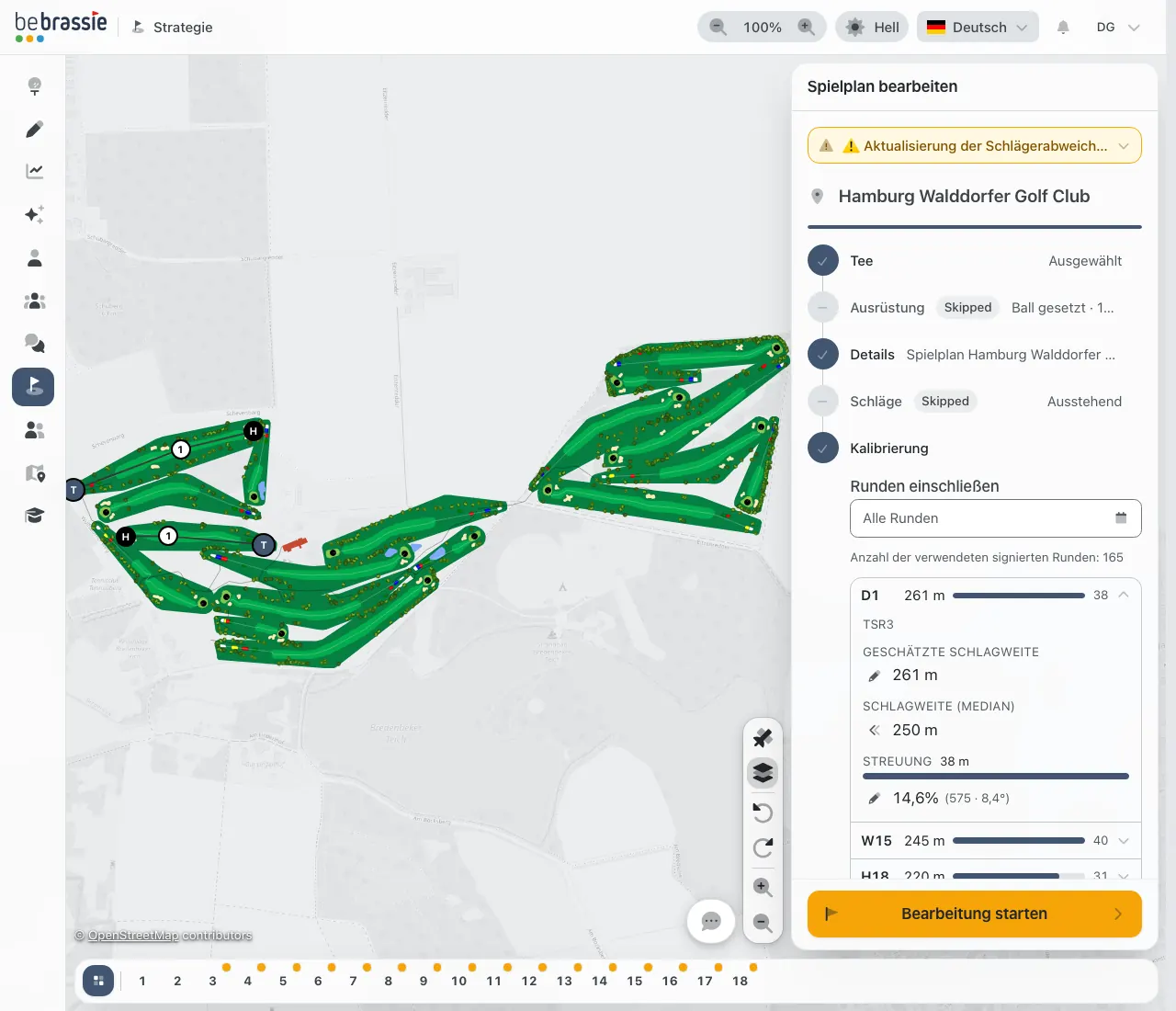
- Spread: the width this produces at your shot distance.
- Std. Deviation: the dispersion as an angle, calculated without the 5 percent with the greatest deviation. The cone uses this value. Next to it is the number of shots included in the calculation.
- With outliers: the same value from all shots. You find it in the table of the printout.
You can change the Std. Deviation by hand. The club is then marked as Custom, and Revert takes you back to the calculated value. A few shots don't yet give a reliable value, so keep an eye on the count.
Video on dispersion in the game plan. It shows the older version of the app, but the idea still applies.
Still have questions?
Write to us. We will help you out.