


Smartwatch
The round on your wrist. When you wear the watch, it detects your shots: the iPhone hands shot detection over to the Apple Watch, and on Android you choose the phone, the watch or both.
The Apple Watch with the iPhone, Wear OS watches with Android.
Get the app:

Apple Watch: playing
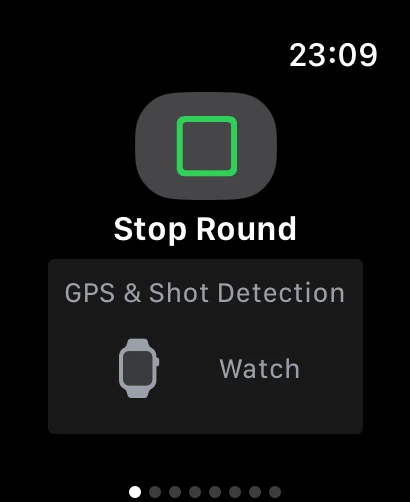
Starting and ending the roundStart or end the round on the watch and choose whether the watch or the iPhone does the GPS. 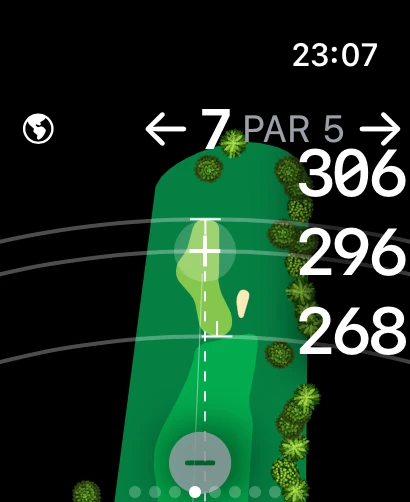
DistancesFront of the green, flag and back of the green, live over GPS. 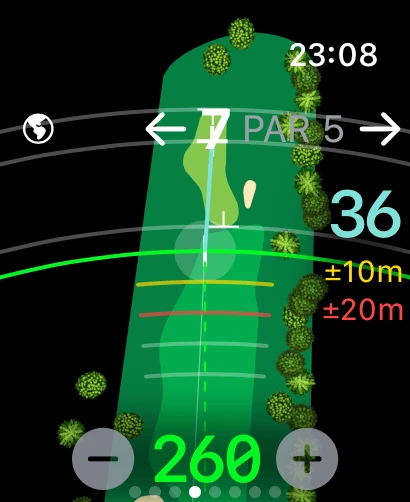
Hole mapThe hole on your wrist: zoom with the crown, set a target, read the distance from target to flag and switch holes.
Apple Watch: shots and score
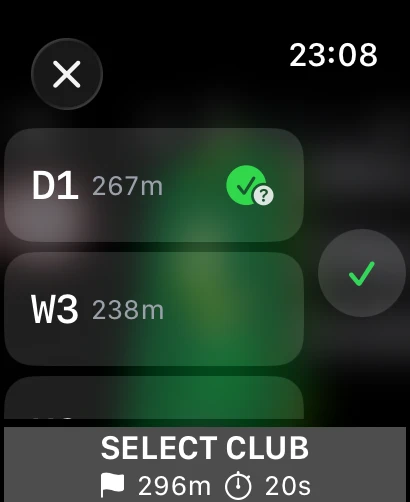
Automatic shot detectionThe watch recognises your swing and records the shot with its position; you pick the club afterwards. 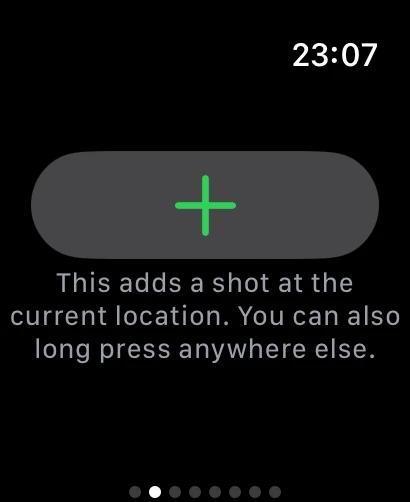
Shot by handA tap records a shot where you stand; a long press on the map puts it somewhere else. 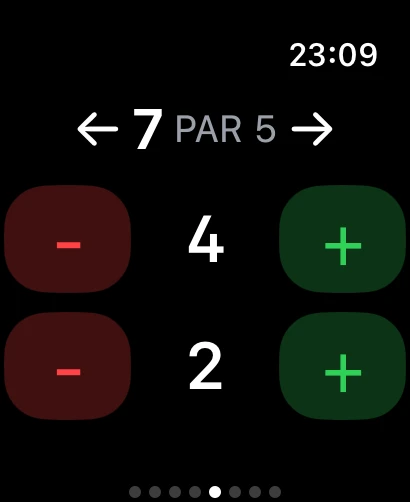
ScoreStrokes and putts per hole, entered with plus and minus.
Apple Watch and iPhone
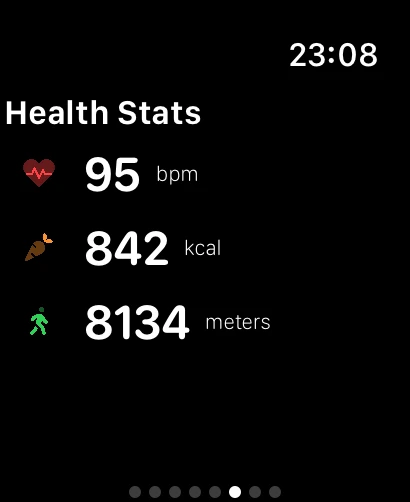
Health figuresHeart rate, calories burned and distance walked during the round, as a golf workout in Apple Health. 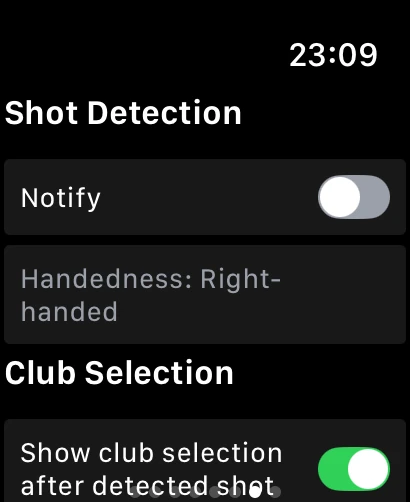
SettingsNotification on a detected shot, handedness, club selection after the shot and which side the crown is on. 
Sync with the iPhoneScore, shots and the current hole stay in step between watch and iPhone; without a connection the watch says what to do.
Wear OS
On a Wear OS watch, bebrassie runs with the Android app: you start the round on the phone, and the watch shows distances and score and detects your shots. The hole map, settings and health figures are on the Apple Watch only.
Distances
Shows
- Front, middle and back of the green, plus the distance from the tee, live from the phone.
Native app – view coming
DistancesFront, middle and back of the green, plus the distance from the tee, live from the phone. Automatic shot detection
Shows
- The watch recognises your swing and reports the shot to the phone, which records it with its position.
Native app – view coming
Automatic shot detectionThe watch recognises your swing and reports the shot to the phone, which records it with its position. Shot by hand
Shows
- A long press on the display records a shot where you stand; the watch vibrates once it is saved.
Native app – view coming
Shot by handA long press on the display records a shot where you stand; the watch vibrates once it is saved. Score
Shows
- Strokes and putts per hole, entered with plus and minus; you switch holes on the watch.
Native app – view coming
ScoreStrokes and putts per hole, entered with plus and minus; you switch holes on the watch. Sync with the phone
Shows
- Score, putts, the current hole and the distances stay in step with the phone; until data arrives, the watch shows that it is waiting.
Native app – view coming
Sync with the phoneScore, putts, the current hole and the distances stay in step with the phone; until data arrives, the watch shows that it is waiting.
Next
Previous
04 Scorecard
Scorecard
Keep the scorecard in the bebrassie app, end the round and upload it.
Up next
06 Licence & account
Licence & account
Licence, account and settings in the bebrassie app.
01 Getting started
Getting started
Your first steps in the bebrassie app, from signing in to your first round.
Play your next round with a plan
Record your rounds, see where the strokes go, and decide before the shot rather than after it.