


Getting started
Sign in, set up, start playing.
On the iPhone and on Android.
Get the app:


Signing in
Launch screenThe bebrassie logo while the app checks whether you are signed in, then takes you to sign-in or straight into the app. 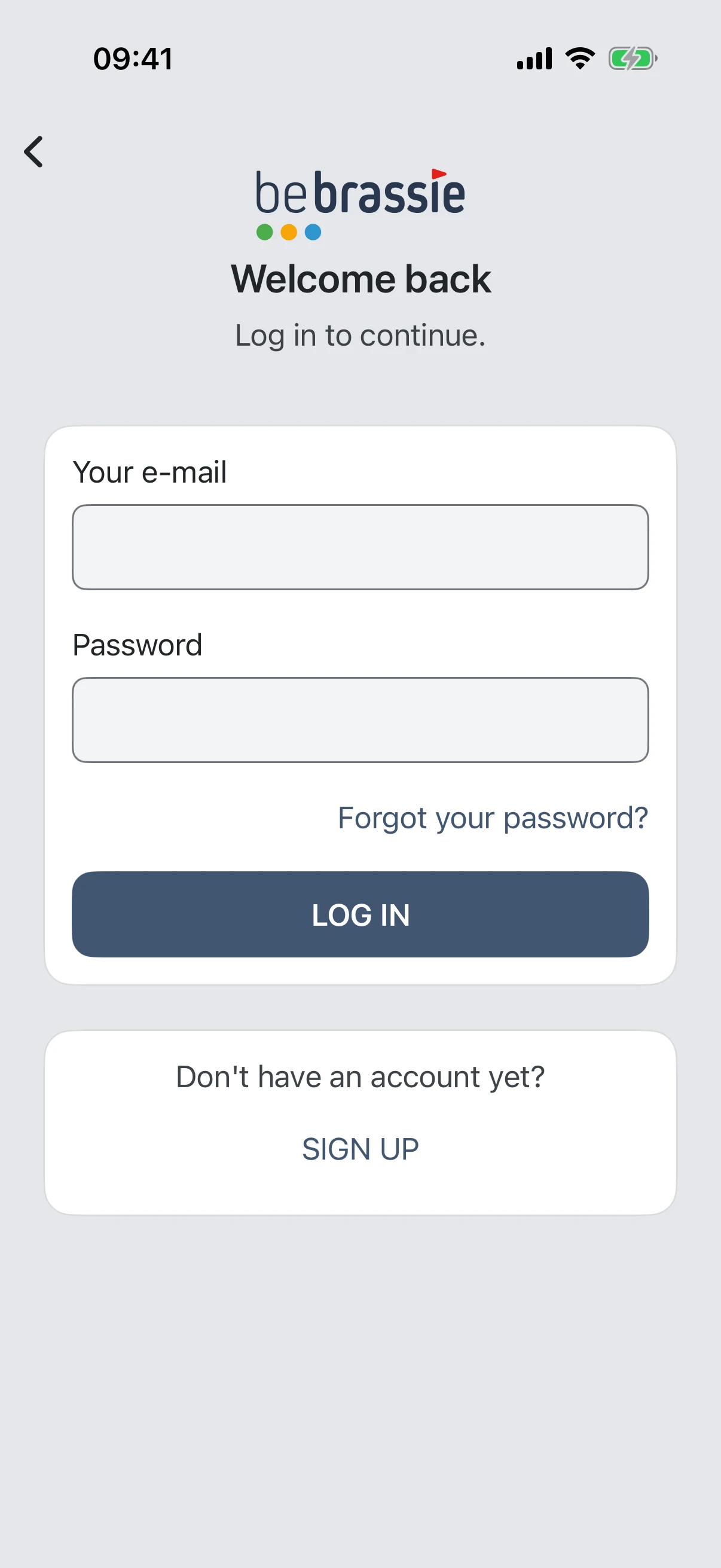
Sign-inSign in with Apple, with Google or with email and password; a forgotten password is reset from here. 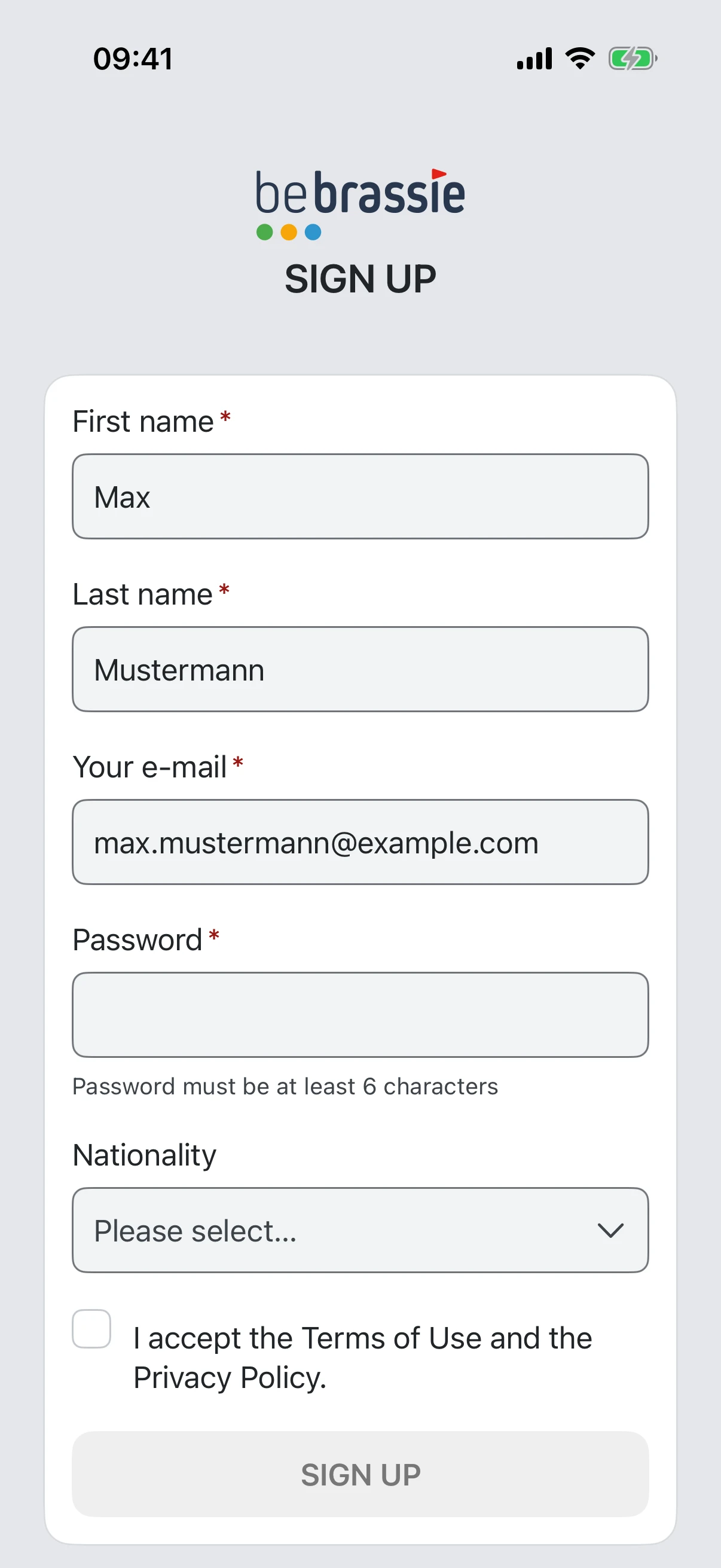
RegistrationAn account with first and last name, email and password, and one tick for the terms and the privacy policy; on the iPhone you can add your nationality too.
Setting up
The iPhone asks right after you sign in, Android when you start your first round.
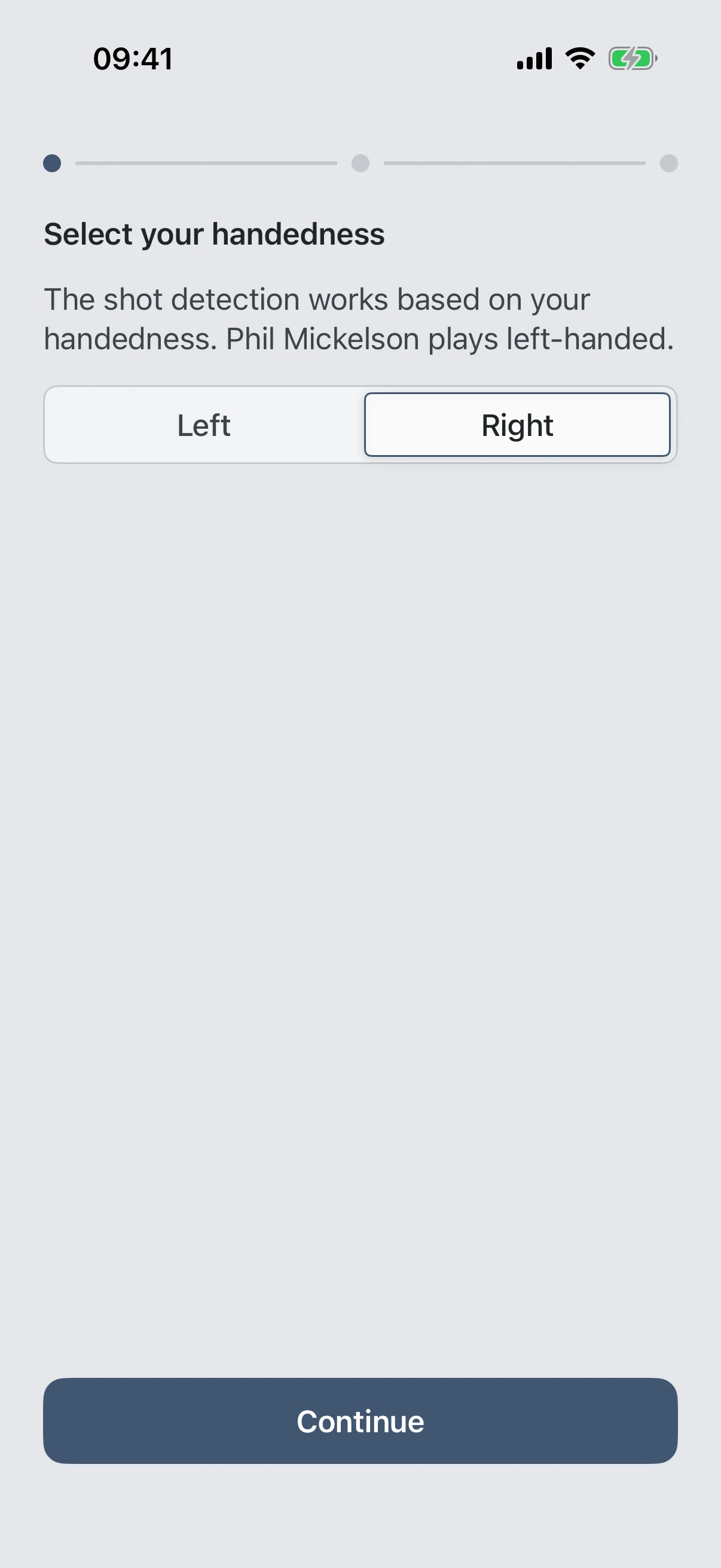
HandednessRight- or left-handed: shot detection reads your swing accordingly. 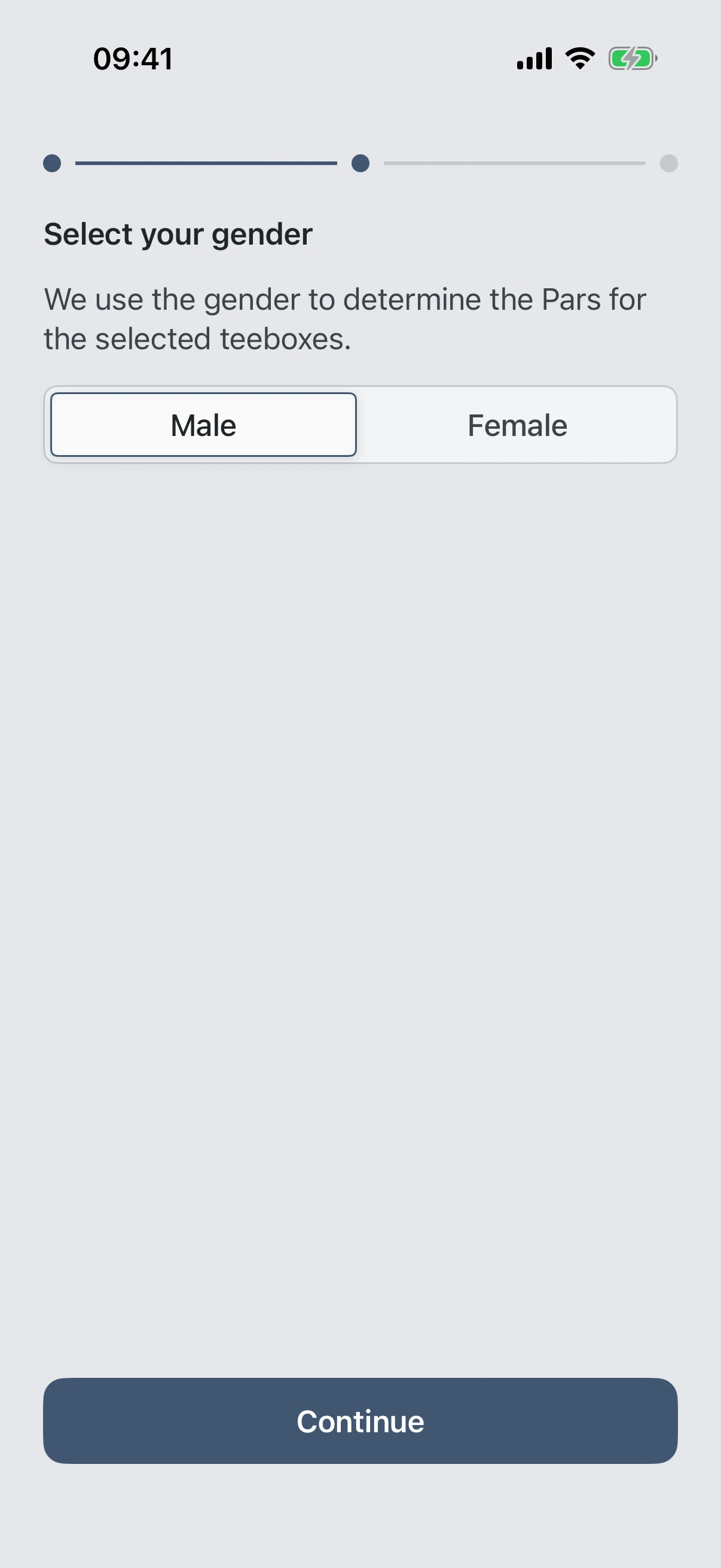
GenderWomen or men: the app sets the par by it, and on the iPhone the Stableford scoring too. 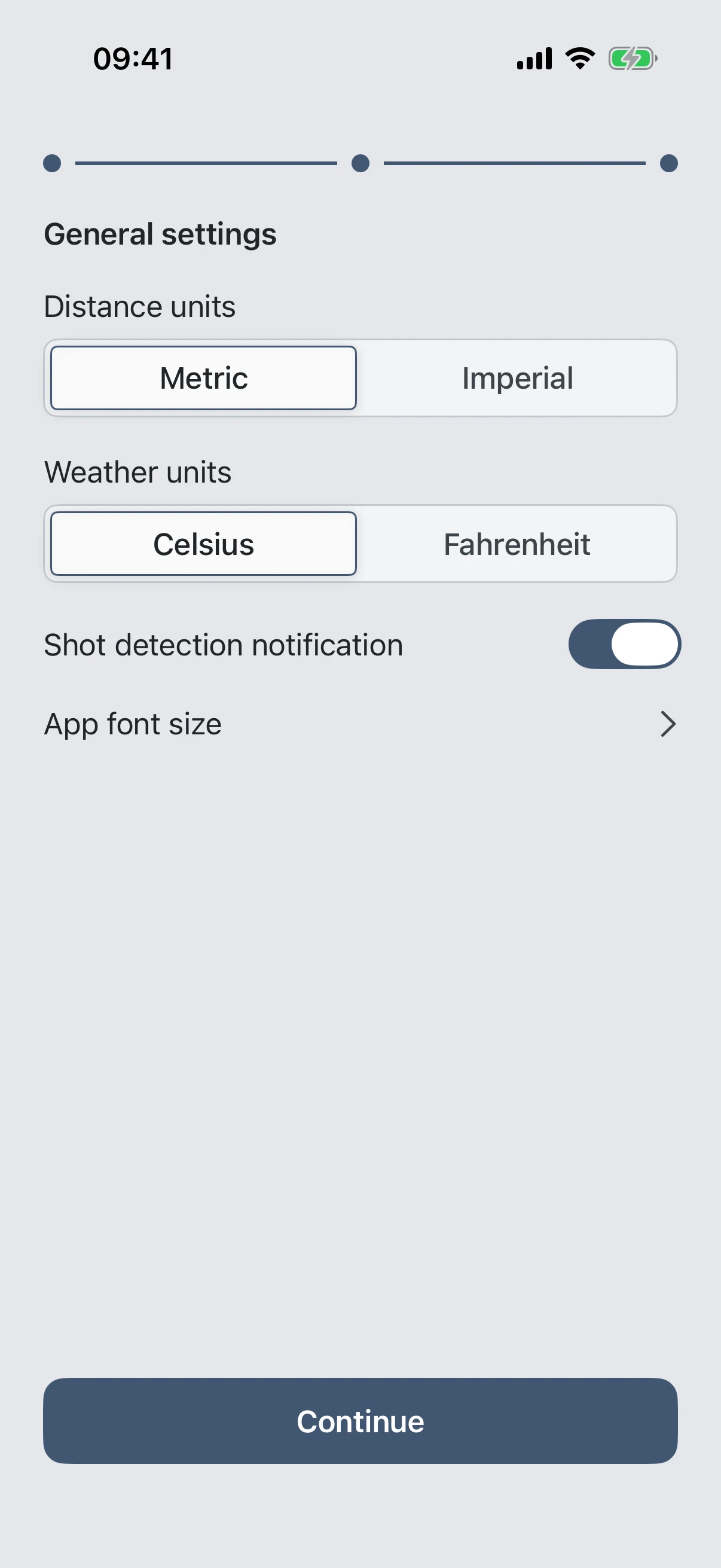
GeneralMetres or yards, Celsius or Fahrenheit, and whether the app notifies you when it detects a shot.
Next
Previous
06 Licence & account
Licence & account
Licence, account and settings in the bebrassie app.
Up next
02 Starting a round
Starting a round
Choose the course and the tee and start the round in the bebrassie app.
03 On the course
On the course
What the bebrassie app shows during the round, hole by hole.
Play your next round with a plan
Record your rounds, see where the strokes go, and decide before the shot rather than after it.