

bebrassie UniversityFirst Steps
How can I create a new course or change an existing one?
A course in bebrassie doesn't match what you play, or your facility has several nine-hole loops? Then you create your own version from a golf course in the database.
- In your profile, open the Courses section and select Create a new course.
- Choose the golf course under Select a course, the tee under Choose your tee box and the holes you want under Hole range. If a course is divided into nine-hole loops, you combine them with Add another course.
- If needed, adjust the par under Adjust course information.
- Click Finish course selection, give the course a unique name and confirm with Create course.
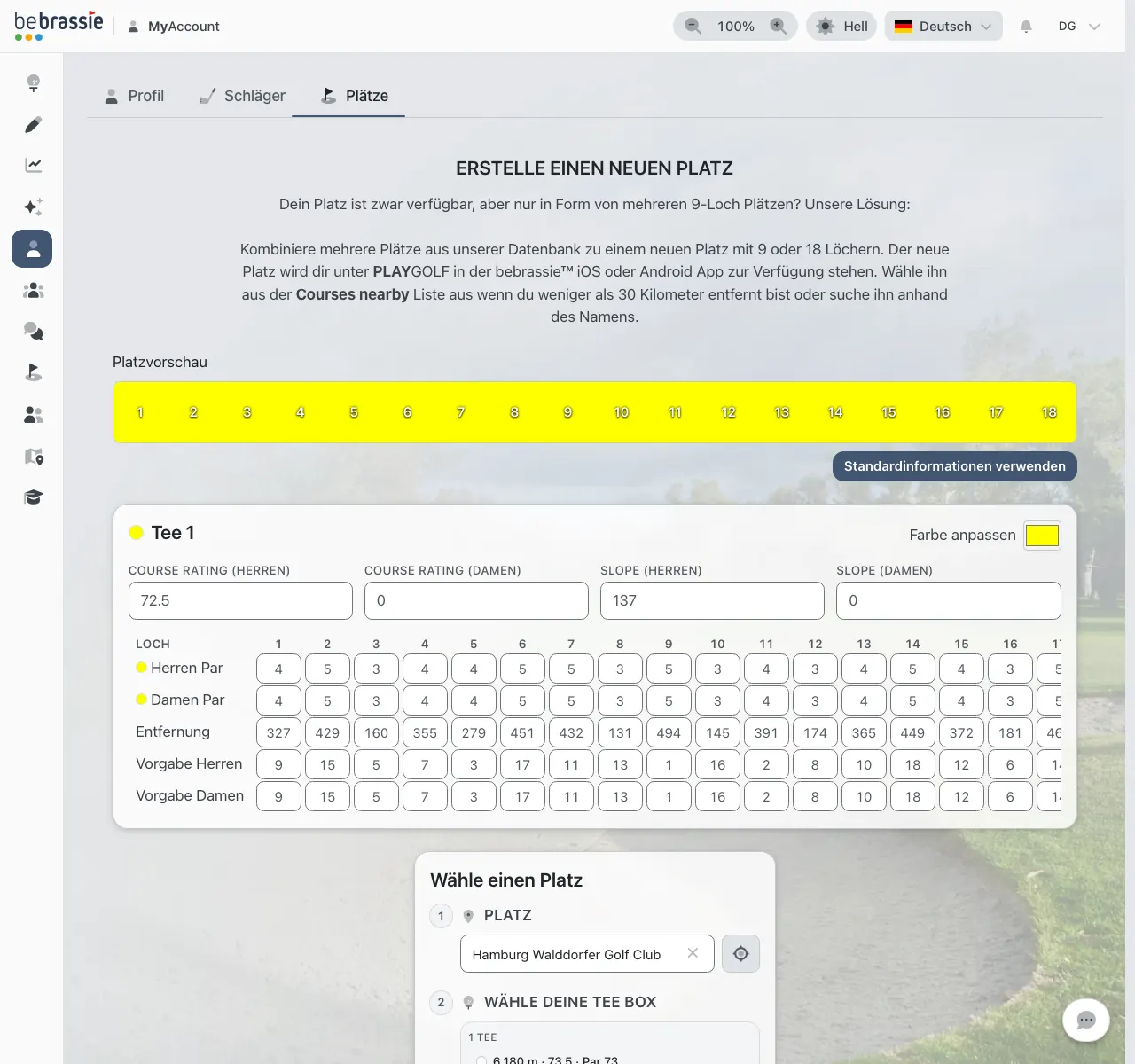
The new course then appears under Your created courses. Only you can see it, and other users can't select it. You can view and delete a created course there. To make changes, you create a new version.
If the golf course isn't in the database at all, send us a message at support@bebrassie.com asking us to add it. We will pass your request on to our mapping team.
Still have questions?
Write to us. We will help you out.