

bebrassie UniversityFirst Steps
How can I turn two 9-hole courses into an 18-hole course?
Many facilities consist of several nine-hole loops, and not every combination is stored in bebrassie as its own course. You can put together an 18-hole course yourself from two 9-hole courses in the database.
- In your profile, open the Courses section and select Create a new course. On iOS you reach the courses in the More tab under Courses.
- Choose the first loop under Select a course, the tee under Choose your tee box and the holes under Hole range.
- Click Add another course and select the second loop in the same way.
- If needed, adjust the par under Adjust course information.
- Click Finish course selection, give the course a name and confirm with Create course.
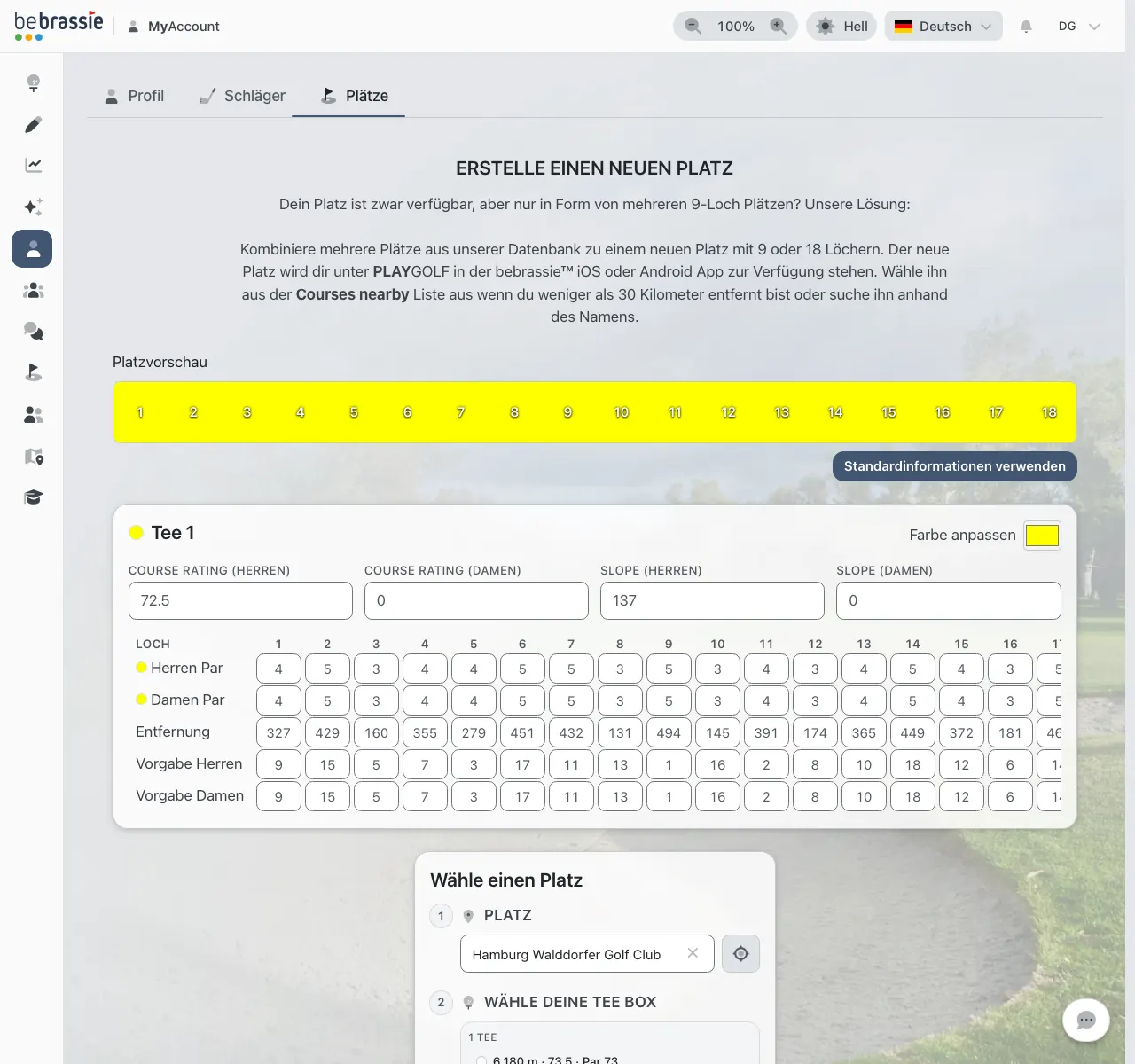
At a facility with three loops, you can create any combination this way and also combine holes from different courses. The new course is available only to you.
Still have questions?
Write to us. We will help you out.