

Round can't be edited
A signed round is locked in bebrassie. It no longer appears among the unsigned rounds and can only be edited again once you unsign it:
- Under EditRounds, open the Signed rounds tab and select Edit your round on the round. For your last signed round Open in the app, the same action is on its detail page.
- Select Unsign round and confirm with Unsign.
- Change what is wrong.
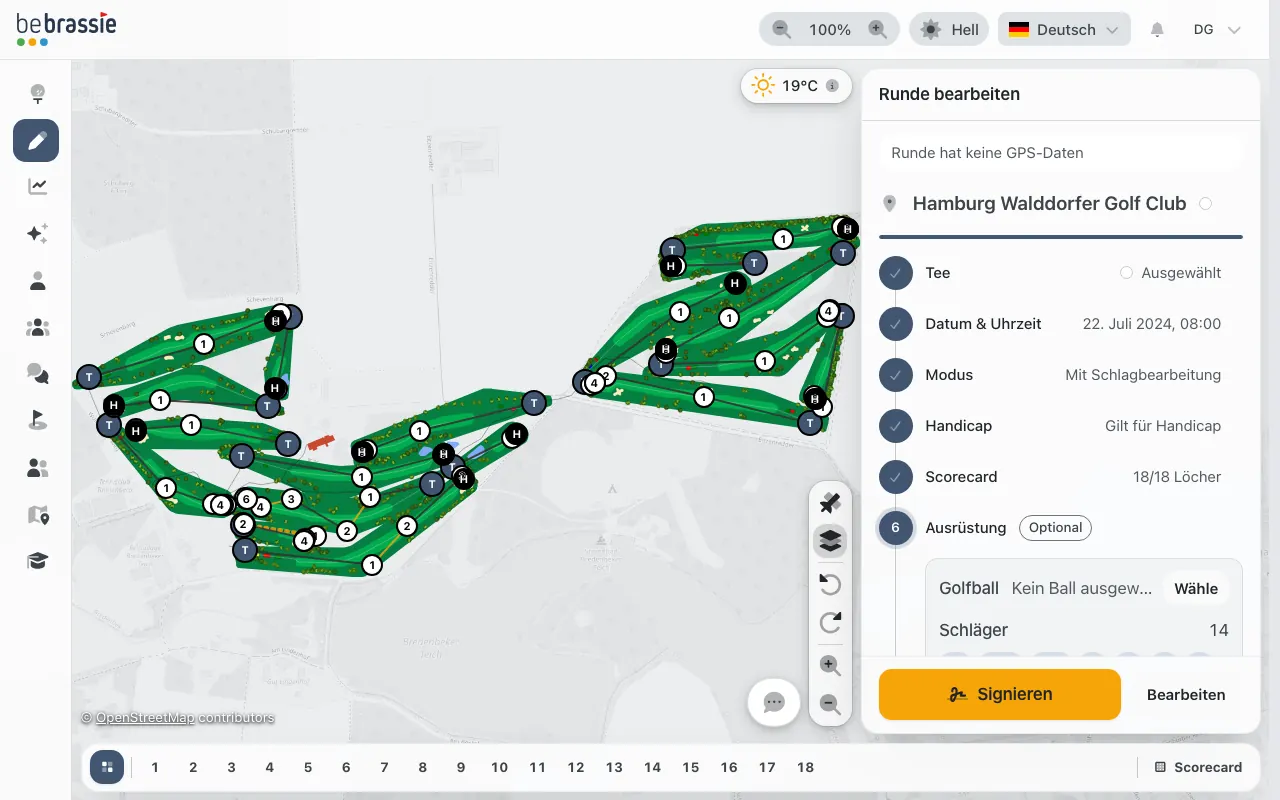
- Finish the round again with Sign.
Your stats are then recalculated.
Still have questions?
Write to us. We will help you out.