

Questions from Users
Does bebrassie also work on an Android watch?
bebrassie is also available as an app for Android smartwatches, likewise with automatic shot detection. It lacks the fairway view in the Yardage Book and the club selection after the shot, though. The club is chosen afterward based on the remaining distance and the distances stored in your profile.
Do I have to download the Strategy feature separately or pay extra for it?
You create game plans in bebrassie in the Strategy section of the web app. You don't have to download or book anything extra for this. The section only needs an active licence or an active subscription.
In the web app, open Strategy in the main menu to get to your game plans Open in the app.
The round-tracking apps have no menu item of their own for it. In the iPhone app, the game plan card in the More tab leads to the web app. In the Android app, you open the web app with EDITROUNDS or VIEWSTATS and select Strategy there.
Which shots go into the game plan, and can I filter them?
A game plan in bebrassie calculates with your dispersion and your median distance per club, and both come from your own rounds. It includes:
- shots with the clubs in the plan
- from signed rounds, not from score-only rounds
- only verified shots
- without chips, pitches and recovery shots
For the dispersion, the 5% of shots with the greatest lateral deviation also drop out. The With outliers column shows the value without this filter.
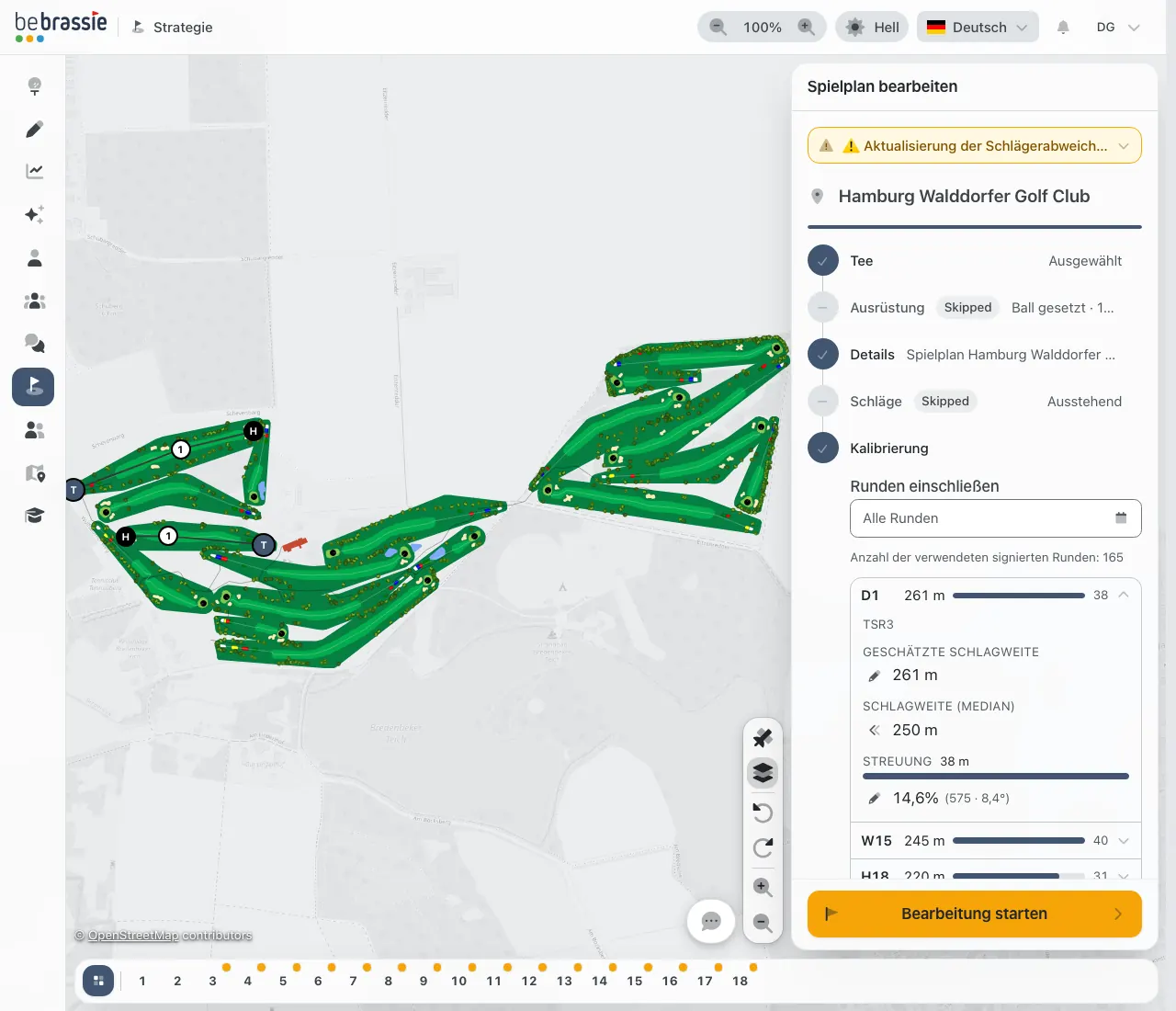
You can filter by period, not by individual shots. By default all rounds count. Under Include rounds in your game plans Open in the app you limit this to a period, and the page tells you how many signed rounds were used.
Two cases are good to know:
- Your own values. You can set a club's standard deviation by hand. Revert restores the calculated value.
- New rounds. If the calculated values change, the plan points this out and Apply latest deviations adopts them.
For a club without suitable shots, the plan calculates with a standard deviation of 4°.
My game plan printout doesn't look right. What can I do?
For printing, bebrassie creates a PDF from your game plan on the server. So your browser no longer lays out the pages itself; the finished file is what gets printed.
If the printout looks wrong, first check the print settings of your PDF program. The Print game plan dialog recommends printing in color, in landscape, without headers and footers and with background graphics turned on.
If the page layout is wrong, change the options in the dialog, such as Double-sided print version or Force one-hole view, and regenerate the file with Create new PDF.
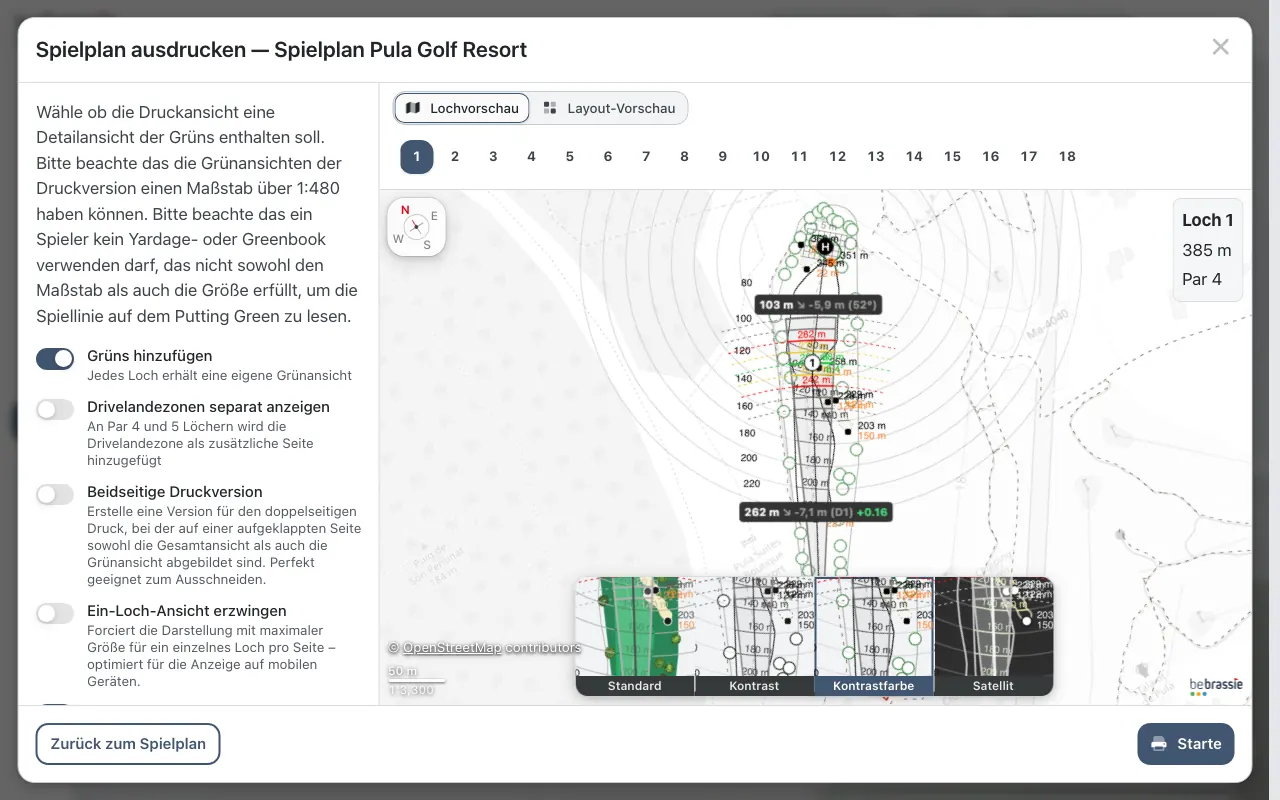
You reach the dialog through your game plans Open in the app.
Can I turn off the club selection and the fairway view on the watch?
On the Apple Watch, bebrassie shows the club selection after a detected shot and the fairway view on the hole. Only the club selection can be turned off.
Club selection: In the settings of the watch app, turn off the Show club selection after detected shot switch.
Fairway view: There is no switch for this. As soon as the green is within reach, the watch shows the green view with the distances.
Android smartwatches have neither feature.
How do I record deliberately shorter shots, such as 3/4 shots, without skewing my distances?
The distances in bebrassie are meant to show how far you normally hit a club. A deliberately shorter shot, such as a 3/4 swing, doesn't belong there.
You can mark such shots in the round editor under Type as Pitch. They then don't appear under Clubs & distances and don't feed into the dispersion of your game plan either.
For individual shots you can also leave it alone. The distances work with the median, the middle value of all shots with a club. Unlike the average, it barely moves because of a few unusually short or long shots.
What does bebrassie mean?
The name bebrassie contains the word brassie, an old golf term. It used to be the name of a wood with a brass plate on its sole.
The brassie was the second-longest club in the bag and was meant for long shots from the ground. It had more loft than the driver and less than the 3-wood. The closest thing to it today is the 2-wood.
Can I record a round afterward if the app wasn't running while I played?
If you played a round without the app running and only have written notes, you can record it in bebrassie afterward, also on a tablet or PC at app.bebrassie.com.
- Open EditRounds and select Create round.
- Select the Course, tee and Date.
- If you only have the results, turn on the Score-only round (no shot tracking) switch under Mode. Without it, you record the shots individually on the map.
- Create the round with Create a new round.
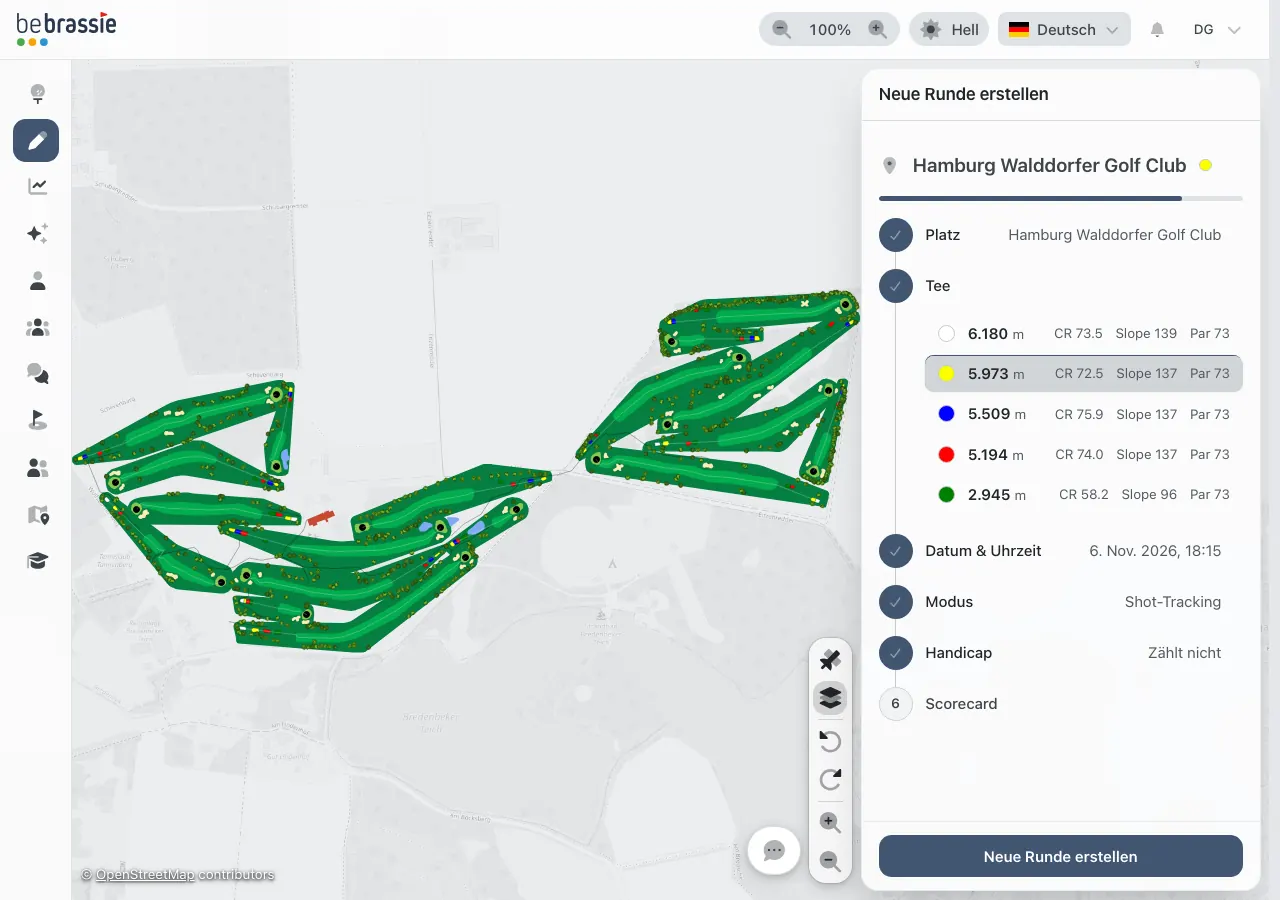
A score-only round can count toward your handicap but provides no distances, dispersion or Strokes Gained.
The video on creating a round shows the older app from 2018. The principle still applies, but the layout and labels look different today.