

bebrassie UniversityQuestions from Users
My game plan printout doesn't look right. What can I do?
For printing, bebrassie creates a PDF from your game plan on the server. So your browser no longer lays out the pages itself; the finished file is what gets printed.
If the printout looks wrong, first check the print settings of your PDF program. The Print game plan dialog recommends printing in color, in landscape, without headers and footers and with background graphics turned on.
If the page layout is wrong, change the options in the dialog, such as Double-sided print version or Force one-hole view, and regenerate the file with Create new PDF.
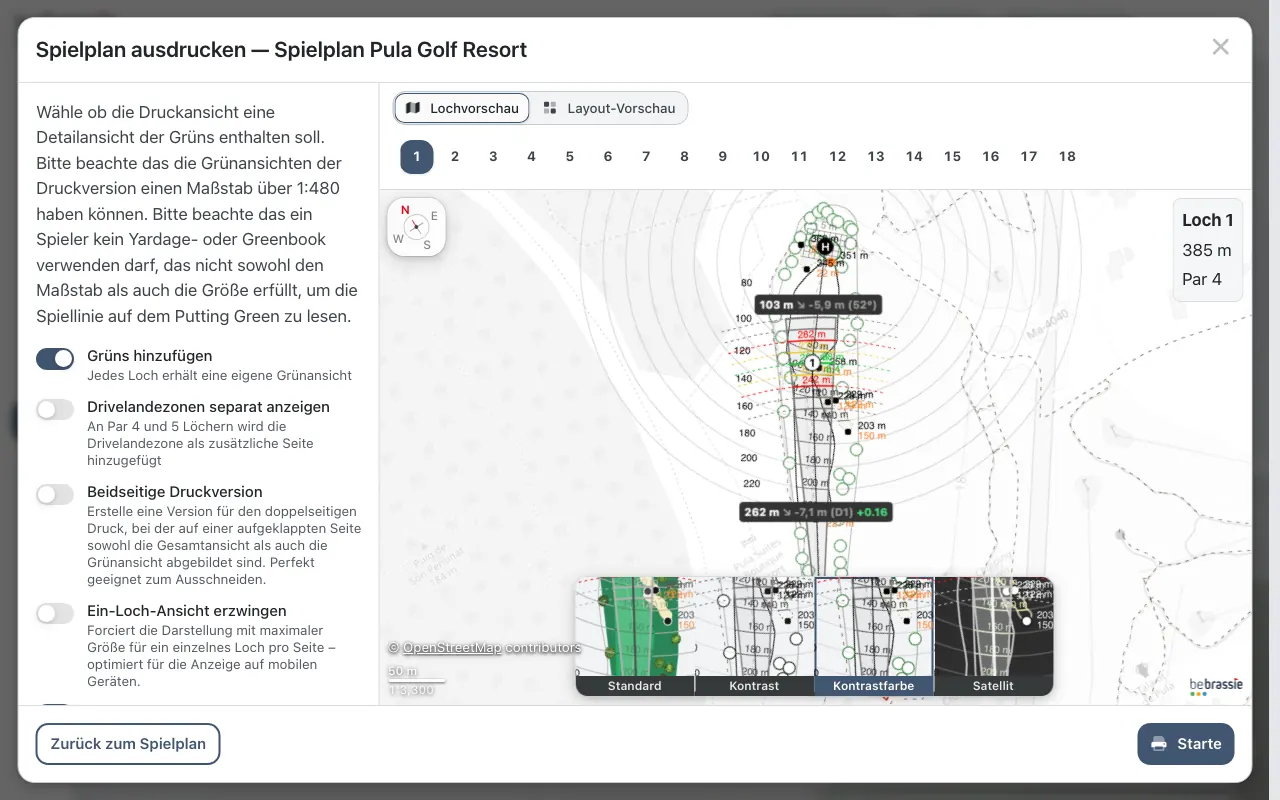
You reach the dialog through your game plans Open in the app.
Still have questions?
Write to us. We will help you out.