

Ball lost in a penalty area (water hazard)
If your ball ends up in a penalty area, such as water, you decide: take a penalty stroke or play the ball as it lies. In bebrassie you record this during the post-round review, the step where you check your shots on the map.
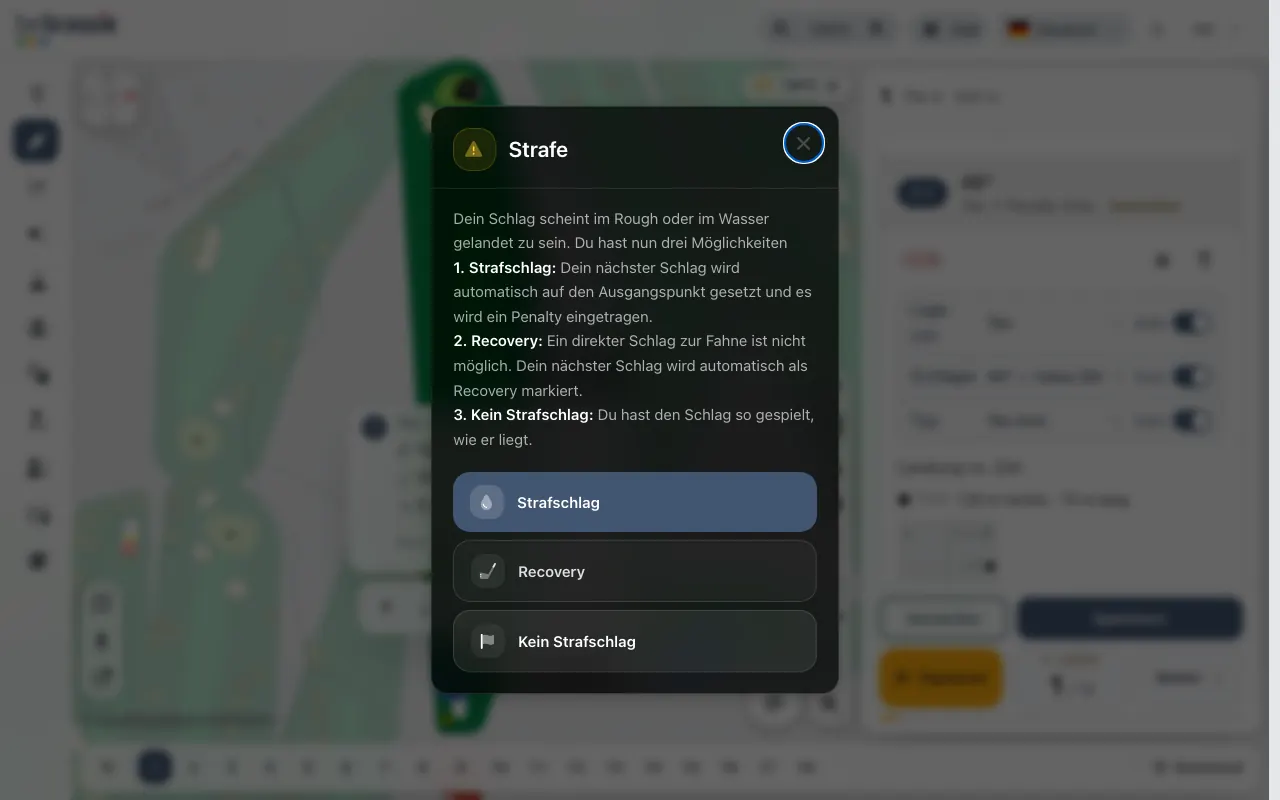
Drag the shot on the map to roughly where the ball came to rest. The Penalty pop-up opens with three options:
- Penalty stroke: You couldn't play the ball. The shot is marked as a penalty stroke and its line is dashed. The next shot moves to the point where the ball crossed the edge of the penalty area.
- Recovery: You played the ball out without a penalty, and a direct shot at the flag wasn't possible. The shot gets the type Recovery.
- No penalty stroke: You played the ball quite normally, as it lay.
No shot is added. So the hole's score in the Scorecard must already include the penalty stroke.
The video on the penalty area shows the older app. Recovery is still a checkbox there, but the idea is the same.
Still have questions?
Write to us. We will help you out.