

How can I change the unit of measurement (Celsius or Fahrenheit)?
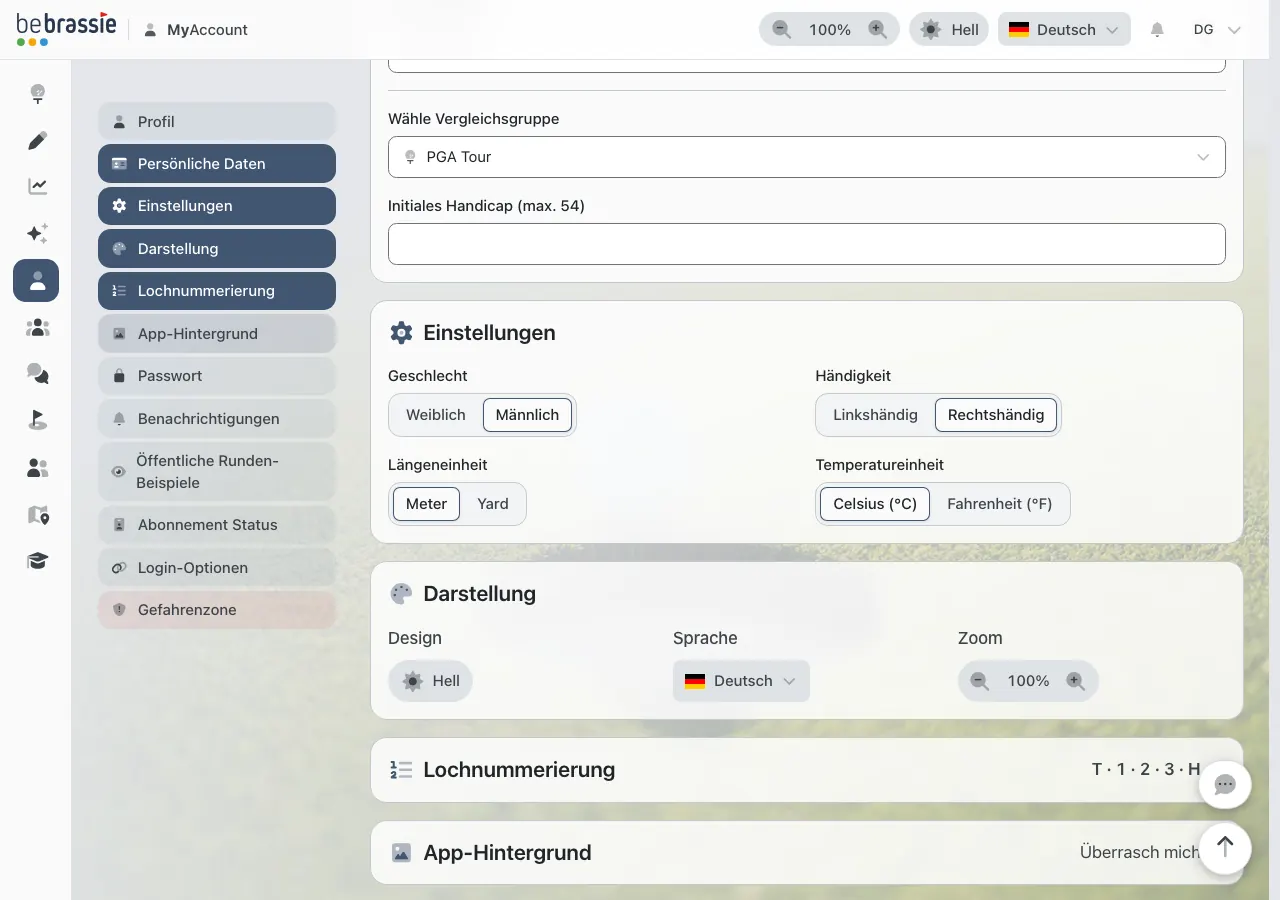
bebrassie shows temperatures in Celsius or Fahrenheit. You set the unit in your profile or in the app on your smartphone.
- In the browser: Open your Profile and under Temperature unit select either Celsius (°C) or Fahrenheit (°F).
- In the iOS app: Open the More tab, then App Settings, and select the unit under Temperature.
- In the Android app: Open Settings and select the unit under Weather Units.
Still have questions?
Write to us. We will help you out.