

How can I share my round?
You can show a round you have played from bebrassie through a link, for example to your coach or your flight. Anyone with the link can see the round, even without an account.
- Open Signed rounds or go straight to your last signed round Open in the app.
- Select the Share round action.
- Turn on Share round. The link then appears.
- Copy it with Copy or send it directly, for example by WhatsApp or email.
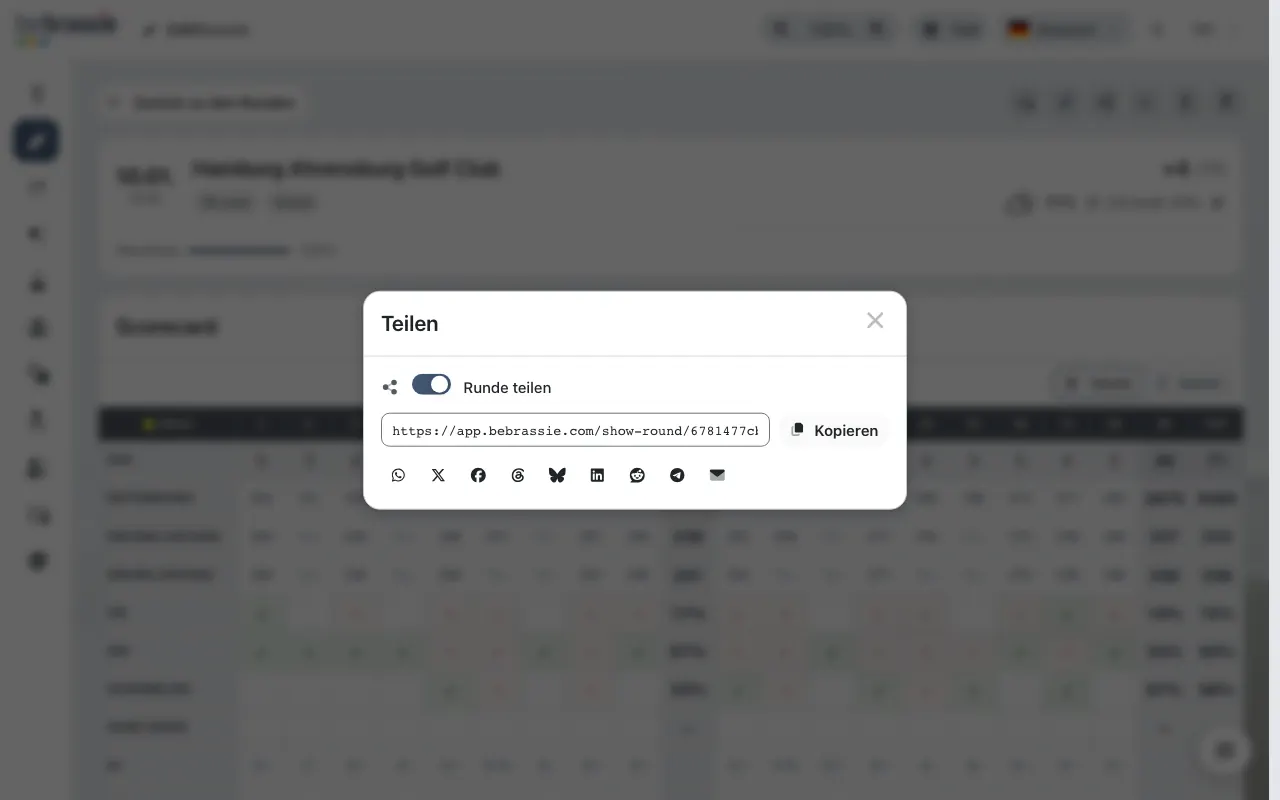
The whole round is always shared; you can't select individual holes. If you turn Share round off again, the round is no longer shared.
Only a signed round can be shared. Rounds Without shot editing have no shots to show and so can't be shared.
In a group, members with the appropriate right can also view your rounds without a link.
Still have questions?
Write to us. We will help you out.