

How does my round count for handicap?
For a round to count in your handicap, you mark it accordingly in bebrassie. You can do this when you create the round and during the post-round review.
- Open the round with Edit your round.
- Open the Handicap section and turn on Count for handicap.
- Check Course rating and Slope. If you enter nothing, the values of the chosen tee apply.
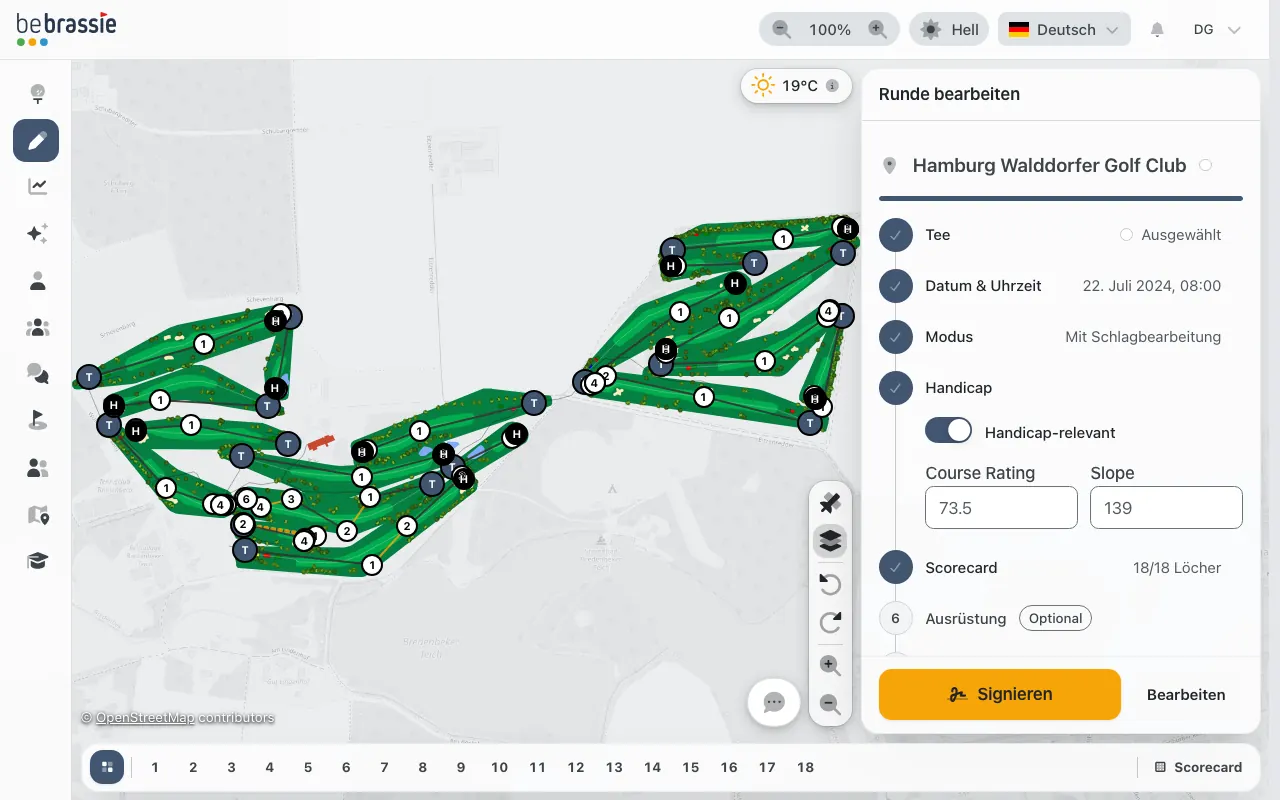
The switch is only available for a complete 18-hole round or a complete front or back nine. Otherwise the app shows a notice.
The round feeds into your handicap as soon as it is signed. It is then locked. If you want to change anything, first select Unsign round.
Rounds Without shot editing can count too, even without signing. If you create a new round as a score-only round, you set the switch right at creation, once the scores are entered.
Still have questions?
Write to us. We will help you out.