

How does the automatic post-round review work?
When you track your round with a smartphone or smartwatch, bebrassie detects your long-game shots and prepares them for the post-round review. You then check what was detected and add what is missing.
Check detected shots
After the upload, you find the round under your unsigned rounds Open in the app. What the app detected remains a suggestion until you have checked it: you accept it, move it or discard it.
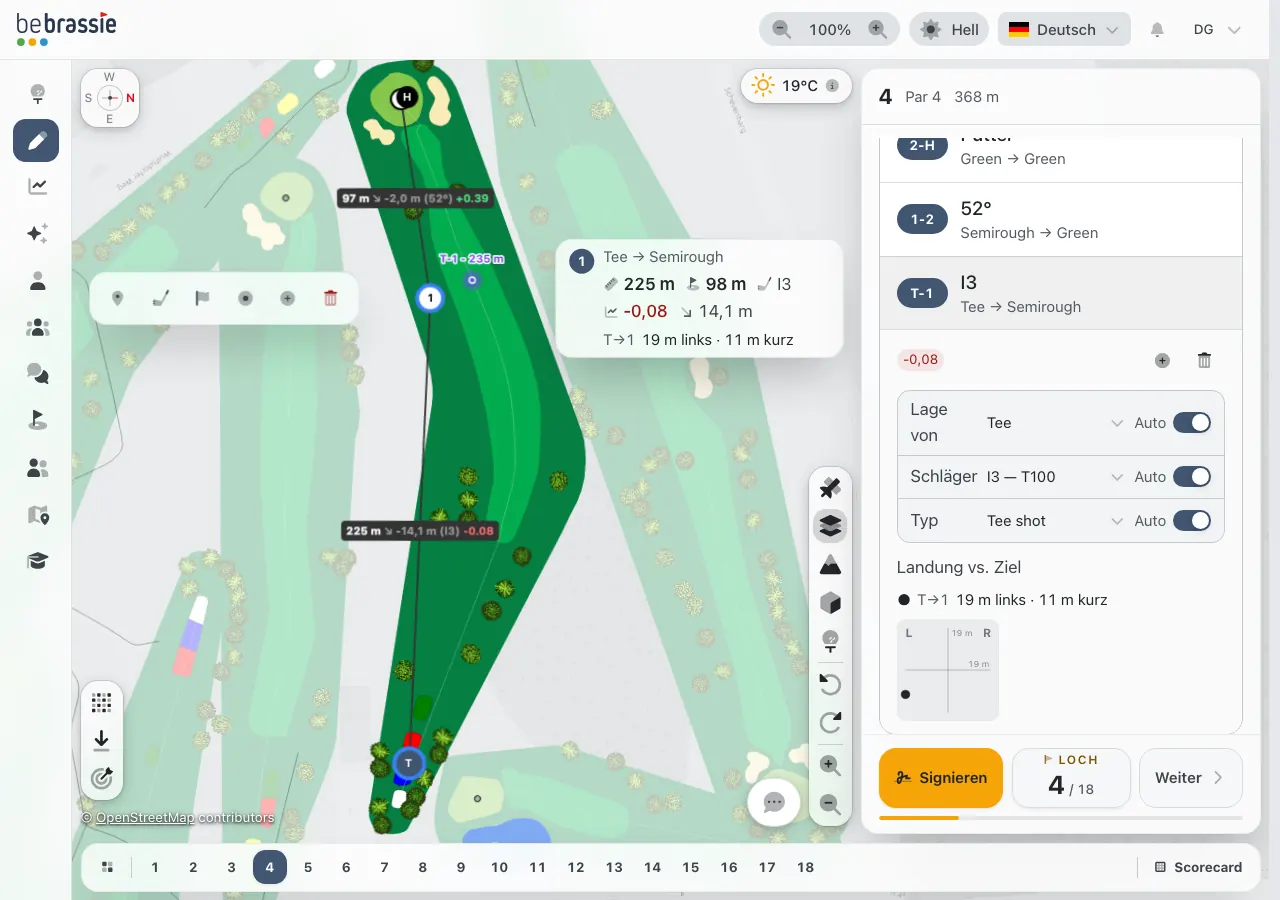
Fill in shots automatically
You don't have to place every shot yourself. The round editor offers two shortcuts:
- Auto-fill remaining shots: the magic wand icon next to Add shot adds a hole's missing shots.
- Auto-generate shots for all holes does this for the whole round.
The app takes detected shots and the score from your scorecard into account.
How the club is chosen
If shot detection supplies a club, that one applies. Otherwise the app picks the club whose distance, as stored in your profile, fits the distance of the shot. Elevation changes are taken into account. The app can't know the lie of the ball or the wind. In those cases, you change the club on the shot on the hole map. The app doesn't overwrite a club you chose by hand.
Short game
In the short game, shots go undetected more often because the movement is less intense. You enter those shots, putts and the flag position by hand, either during the round or in the post-round review. Doing this on the course shortens the review considerably.