

Using bebrassie in outdoor and indoor practice
On the range or in an indoor bay, the connection to the course is often missing. With bebrassie you can play a round there hole by hole: you create it in advance with a target score and then play, shot by shot, what the course demands of you.
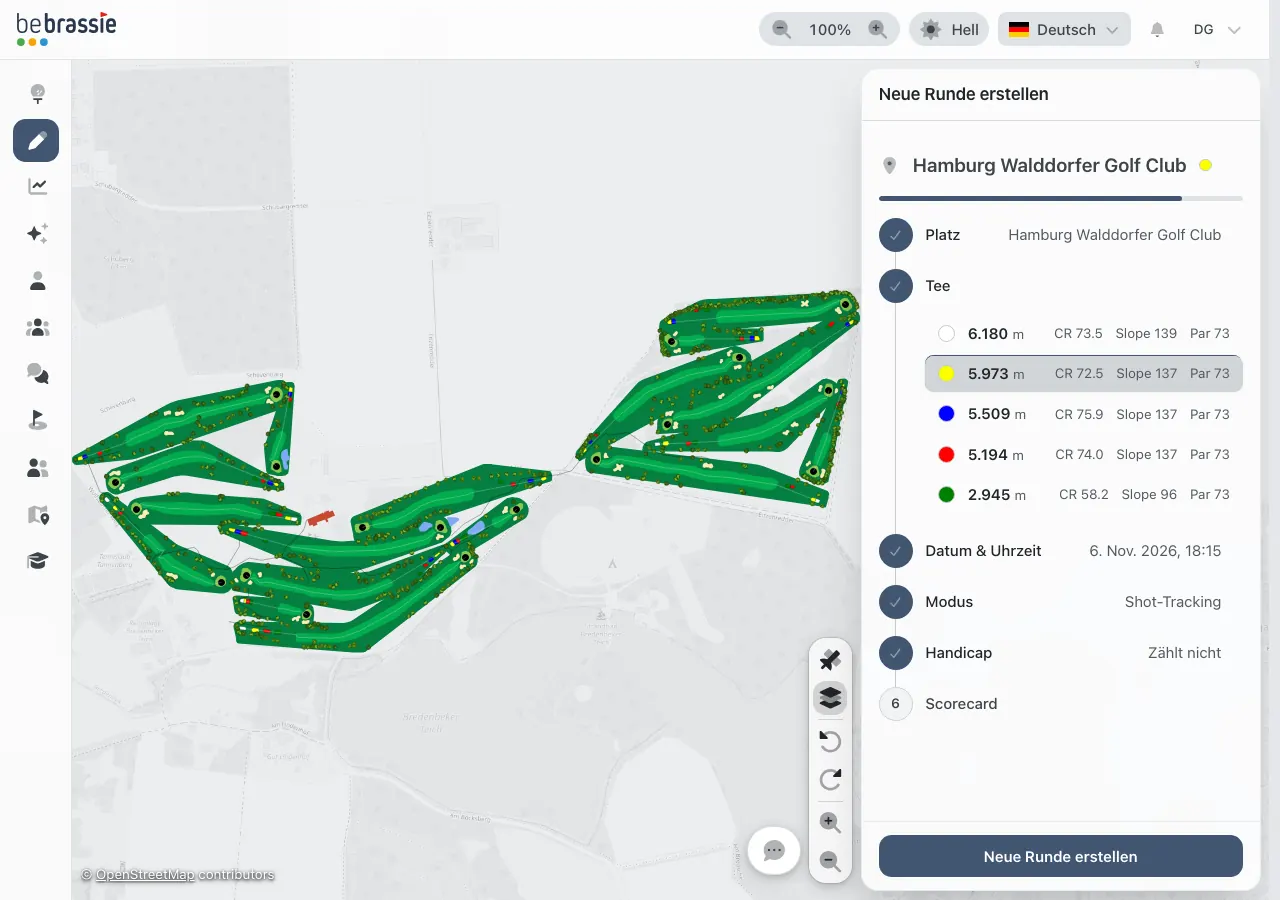
- In your browser, open EditRounds and select Create round.
- Select the course and tee. Leave Score-only round (no shot tracking) off so that you can edit the shots.
- Enter your target score in the scorecard. This can be par on every hole, or just the shots to the green without putts.
- Finish with Create a new round and edit the round hole by hole.
If you need one more shot than planned, you add it on the hole with Add shot.
Visualizing gets better each time, and this is a good way to prepare for a course, including unfamiliar ones, for example on a golf vacation.
As long as you don't sign such a round, it doesn't feed into your stats. If you do sign it, set the Round type to Practice so that you can filter it out of the stats.
Oliver Neumann explains the idea in a video. It dates from 2023 and shows the older version of the app.
Still have questions?
Write to us. We will help you out.