

Why aren't all my shots detected?
If bebrassie only detects some of your shots, it is usually down to the handedness setting or where you carry your phone.
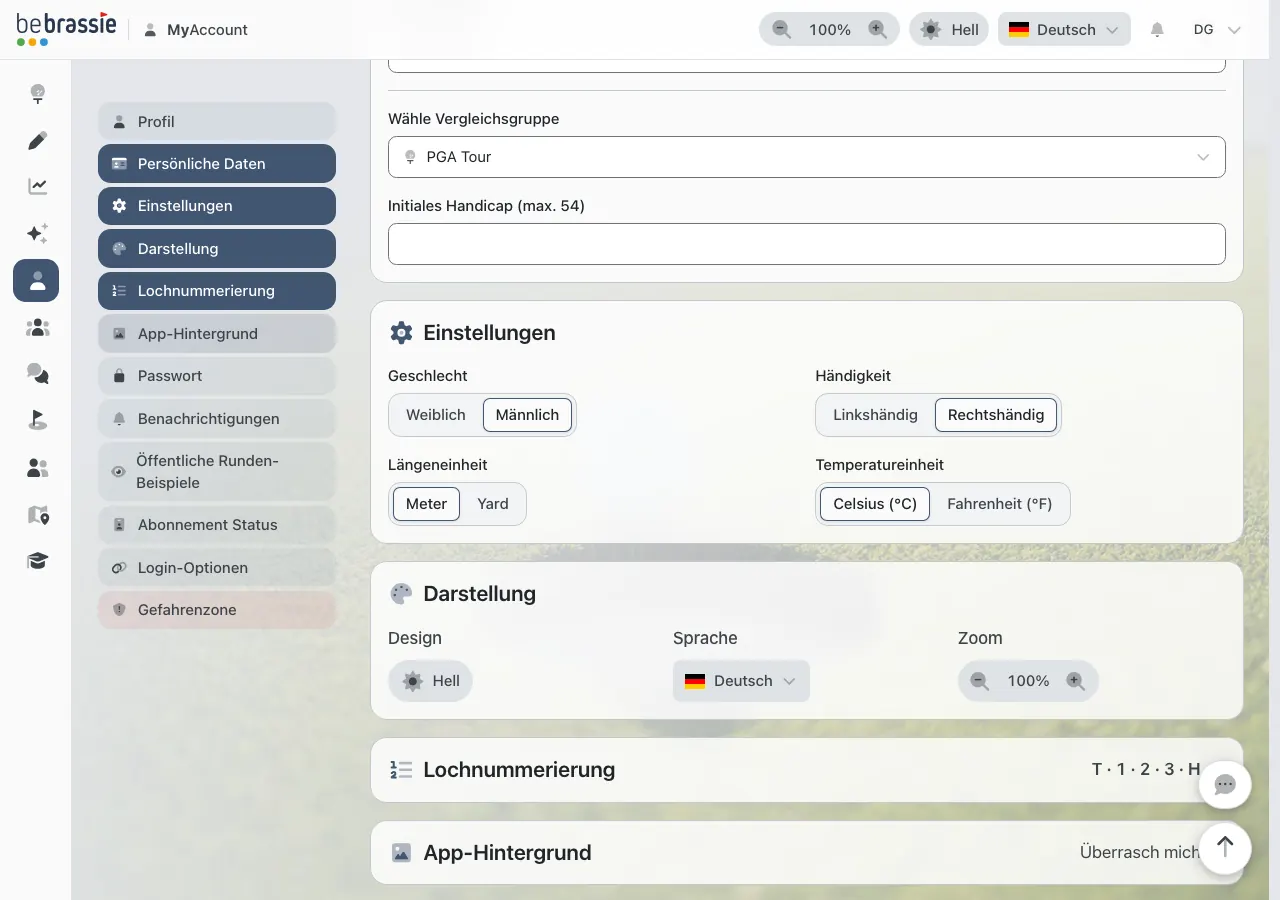
Check your handedness
Shot detection works based on your handedness. A wrong setting is the main reason for too few detected shots, especially if long shots are no longer detected at all.
- iPhone: More → App Settings → Handedness
- Android: In the settings under Handedness
- Apple Watch: On the settings screen under Handedness
- Browser: In MyAccount under Handedness
Carry your phone correctly
The best position is one of your back trouser pockets. The phone should have as little room to move as possible, so the pocket should be tight. It can also detect shots in the front pocket.
Check and help along
Turn on the notification for detected shots. That way you see whether shots are perhaps already being detected during your practice swings rather than when you change your routine.
If you get no notification after a shot, you can place it by hand: on the Apple Watch with Add Shot on the second screen from the left, on the phone with the golfer icon.