


On the course
The app goes round with you, hole by hole.
On the iPhone and on Android, with an Apple Watch or a Wear OS watch.
Get the app:

The hole
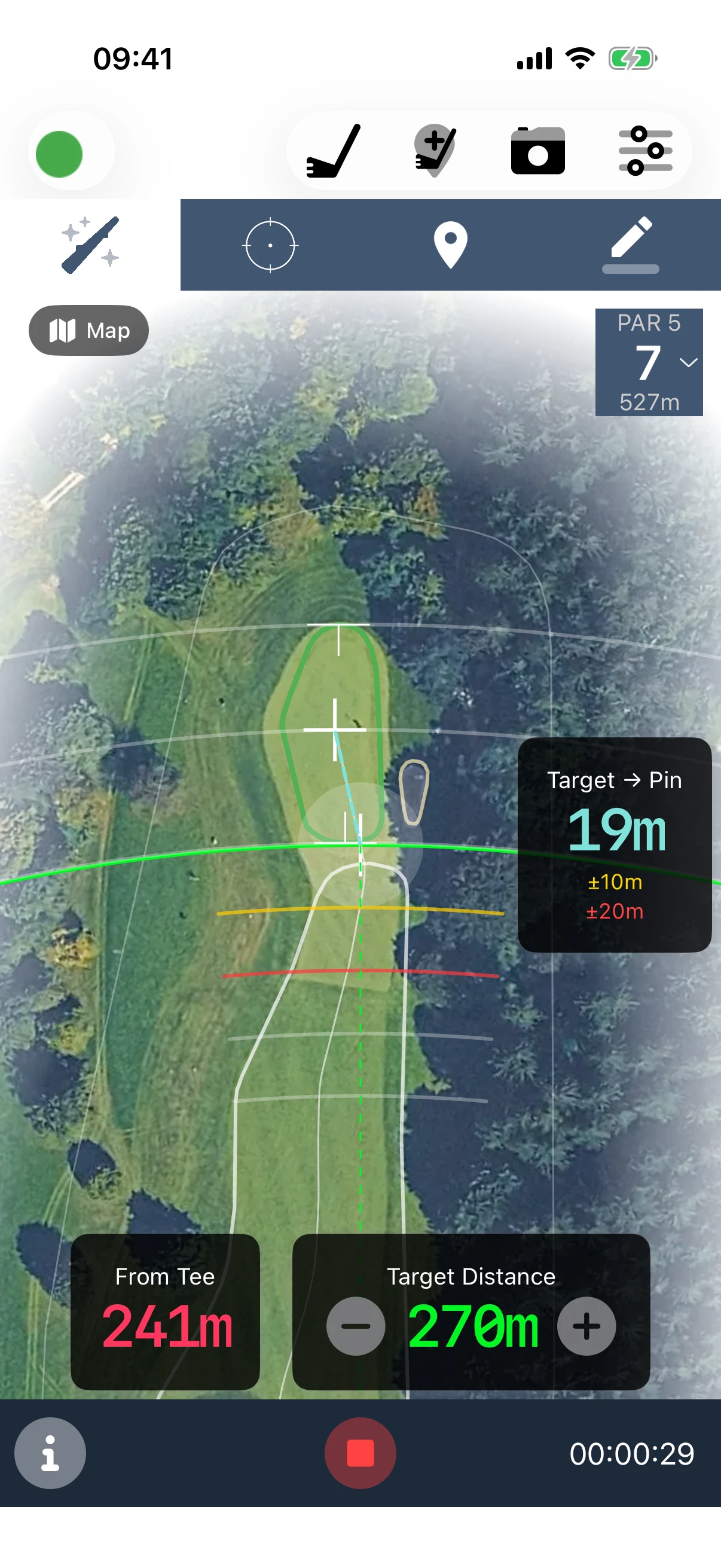
Hole mapThe hole from above, as a satellite image if you like, with tee, green and flag; you can move the flag. 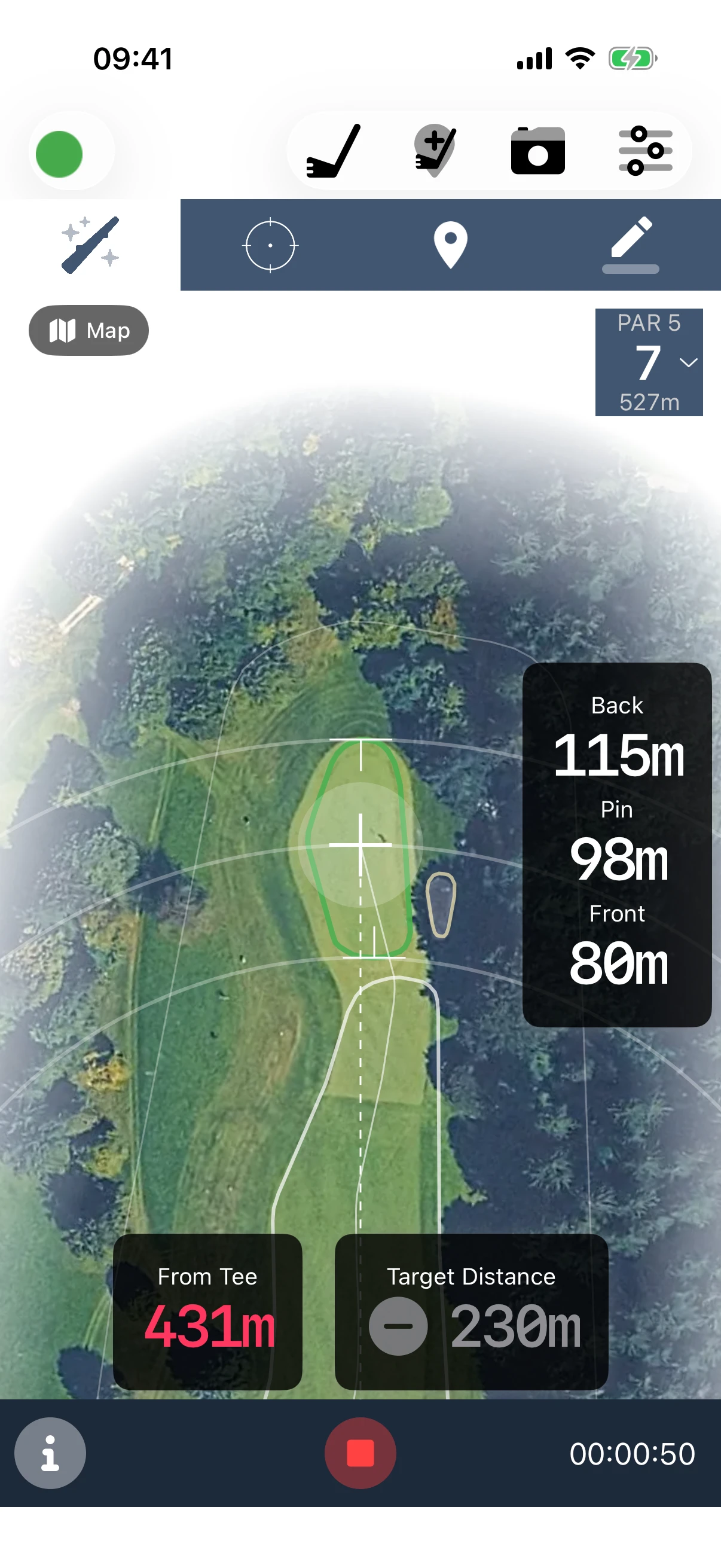
DistancesLive over GPS: to the front and back of the green, to the flag, and how far you are from the tee.
Shots and GPS
While the phone records the round, it detects your shots automatically; by hand you can add a shot where you stand. If you wear a smartwatch, it can take over shot detection: the Apple Watch with the iPhone, a Wear OS watch with Android.
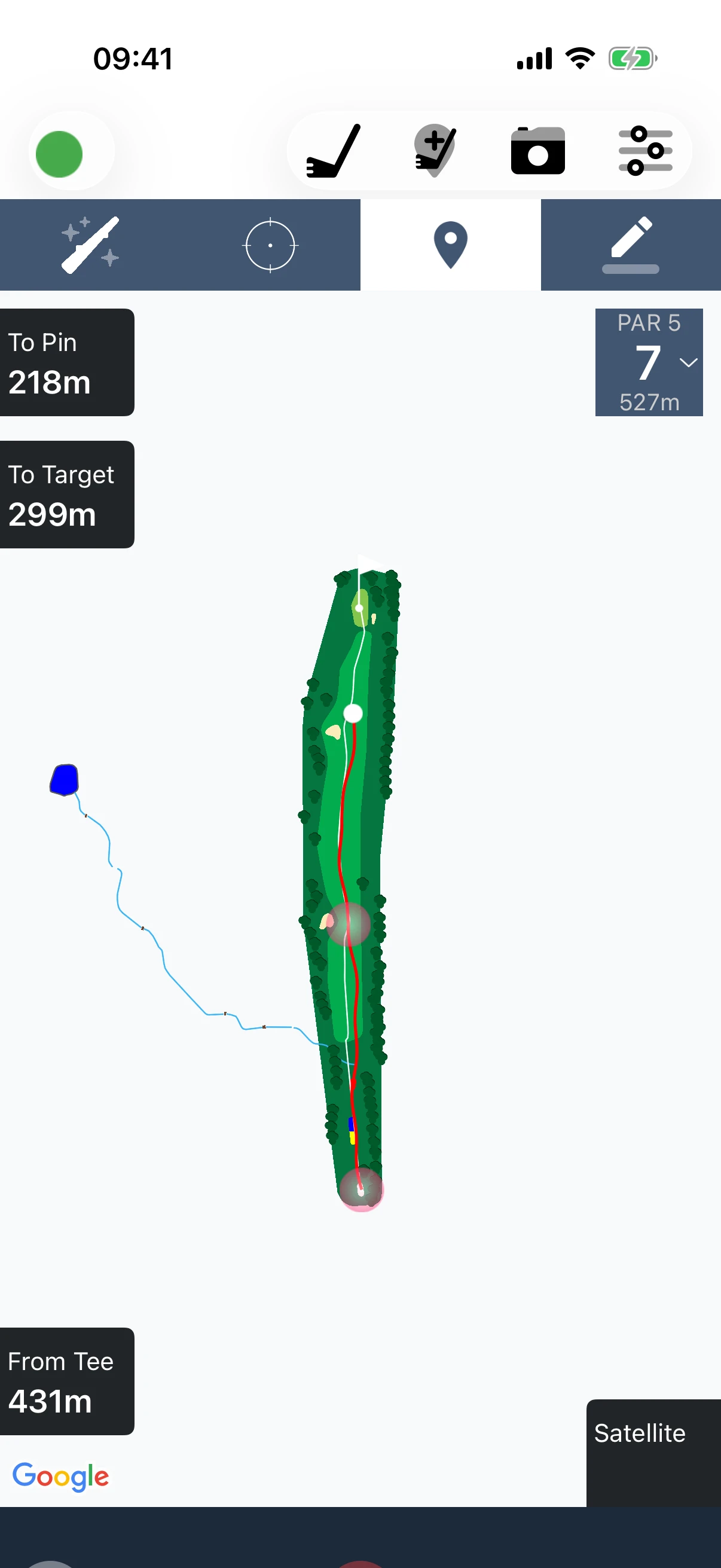
Marking a shotBy hand: a tap on the map’s golfer icon records a shot where you stand; on Android the running round’s notification does it too. 
GPS in the backgroundLocation keeps running while the phone is locked in your pocket; on the iPhone with location access set to “Always”.
Next
Previous
02 Starting a round
Starting a round
Choose the course and the tee and start the round in the bebrassie app.
Up next
04 Scorecard
Scorecard
Keep the scorecard in the bebrassie app, end the round and upload it.
05 Smartwatch
Smartwatch
The round on your wrist, on the Apple Watch and on Wear OS: distances, score and shot detection. The Apple Watch also saves the round to Apple Health.
Play your next round with a plan
Record your rounds, see where the strokes go, and decide before the shot rather than after it.