


Starting a round
Before the first tee shot: course, tee, go.
On the iPhone and on Android. Playing partners, handicap and Stableford are on the iPhone only.
Get the app:


Choosing the course
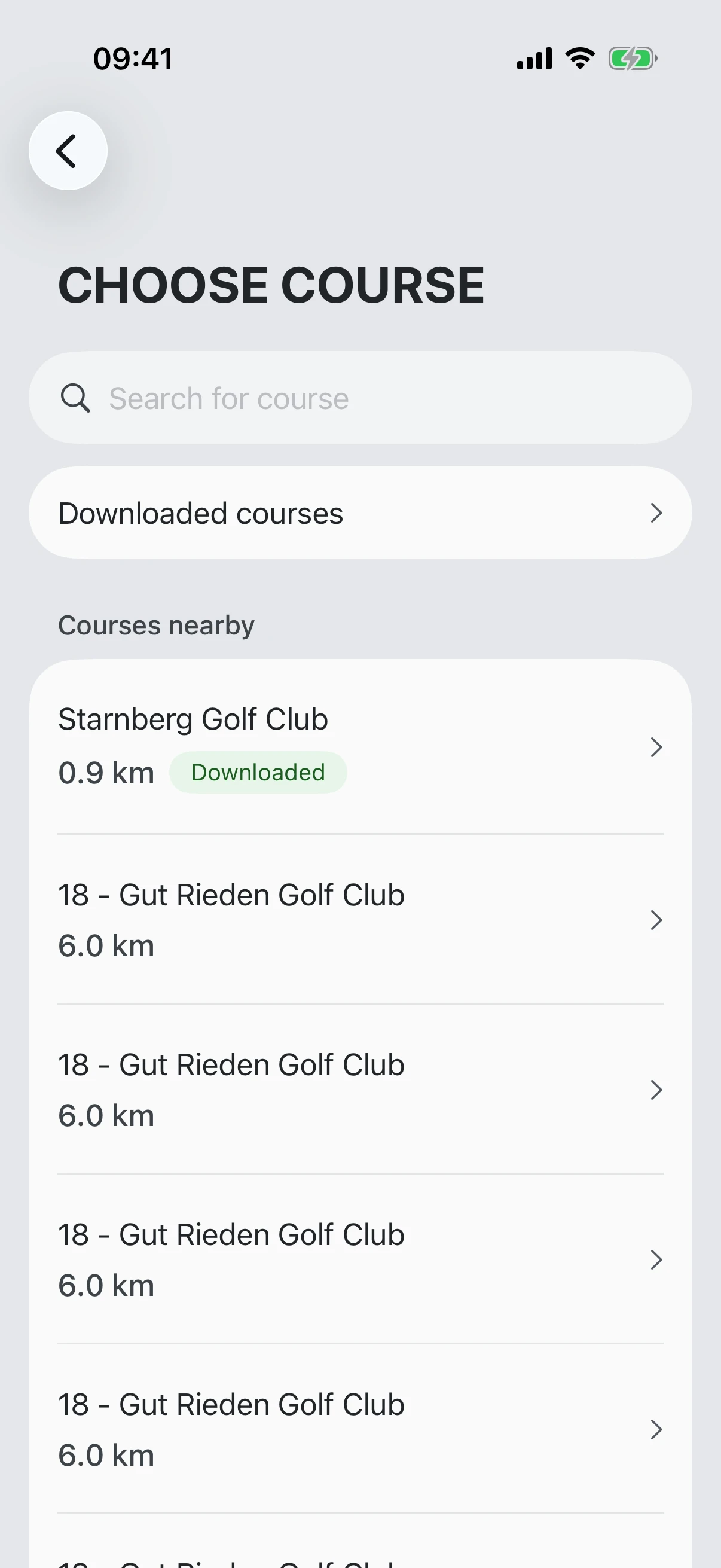
Course searchCourses near you and a search by name; if a course is missing, you report it by email from here. 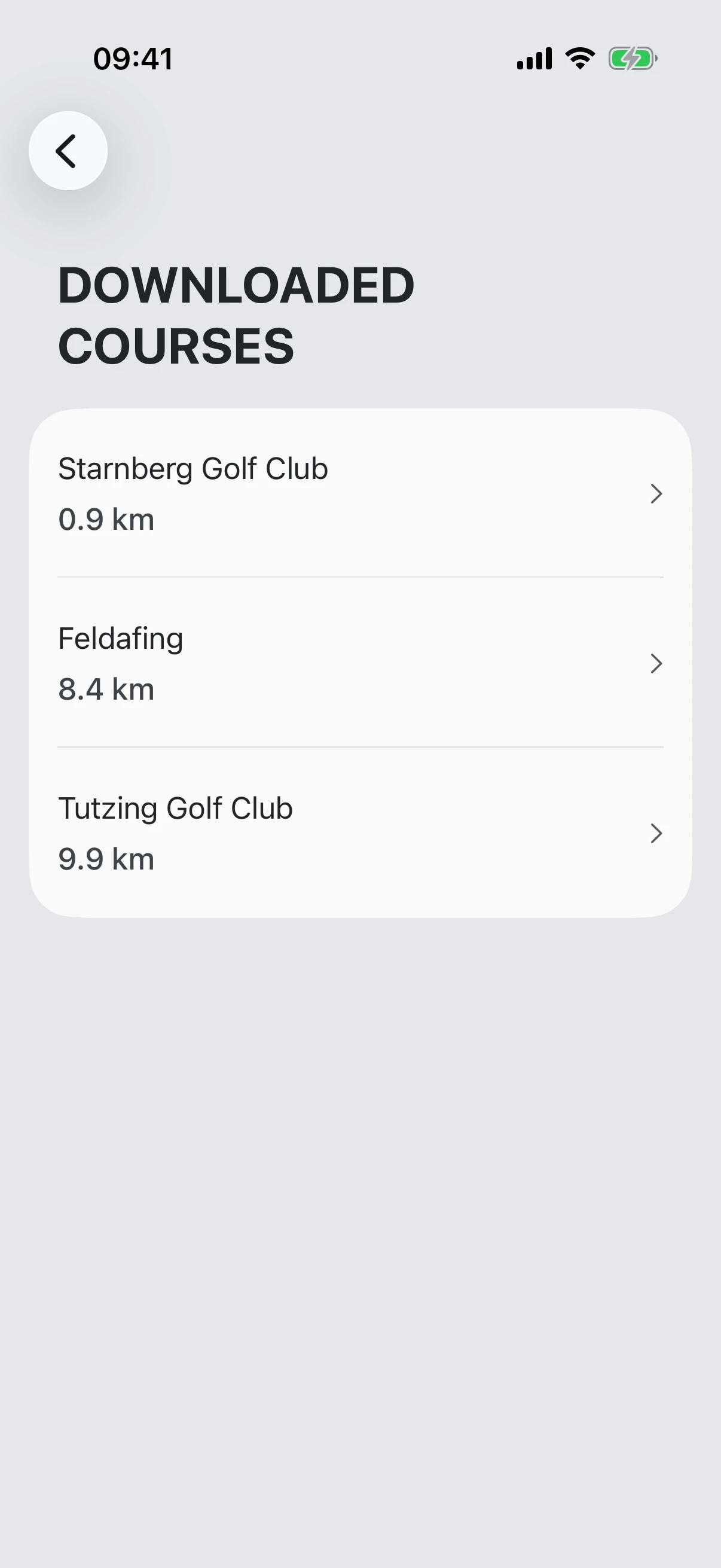
Saved coursesThe courses saved on your phone: tap one, no search needed.
Tee and start
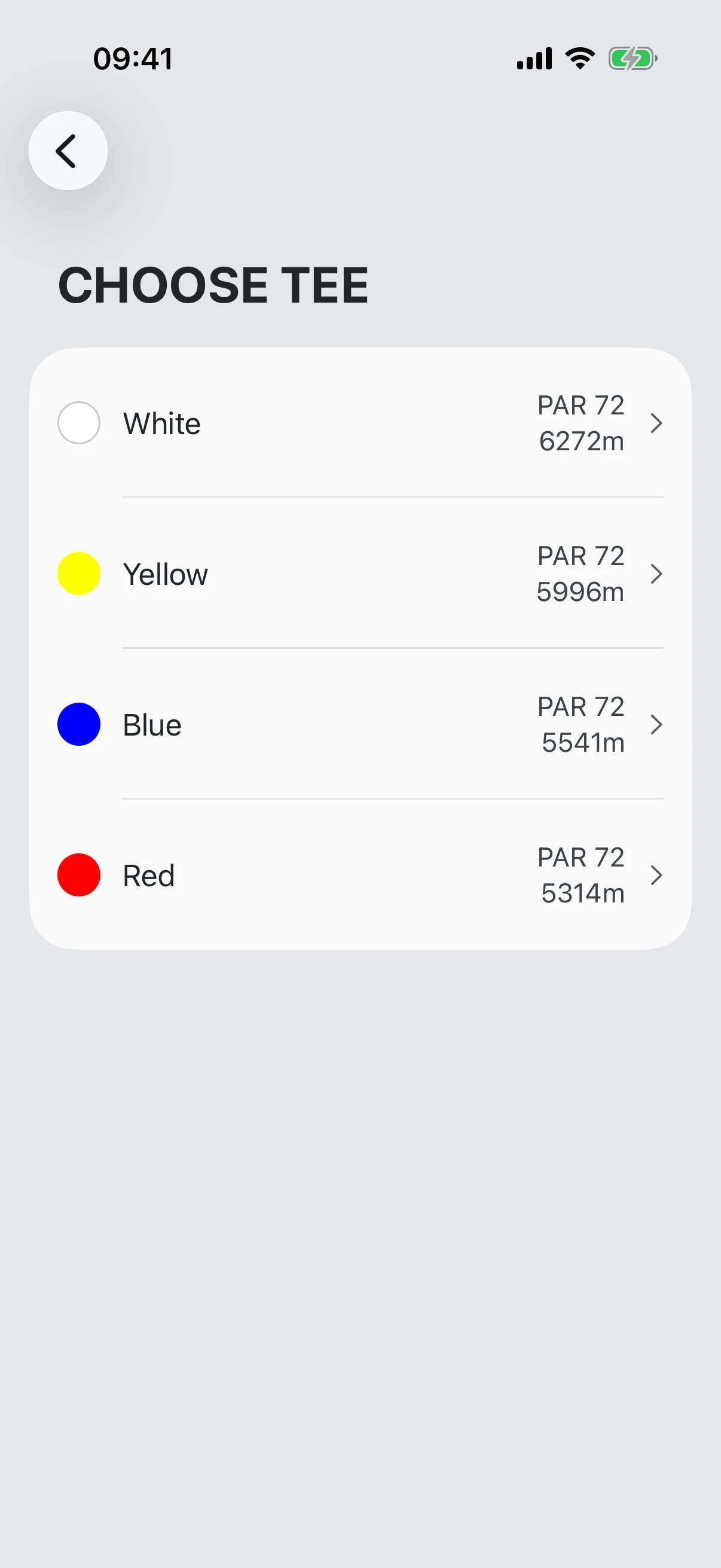
TeeThe course’s tees with their colour, par and length. 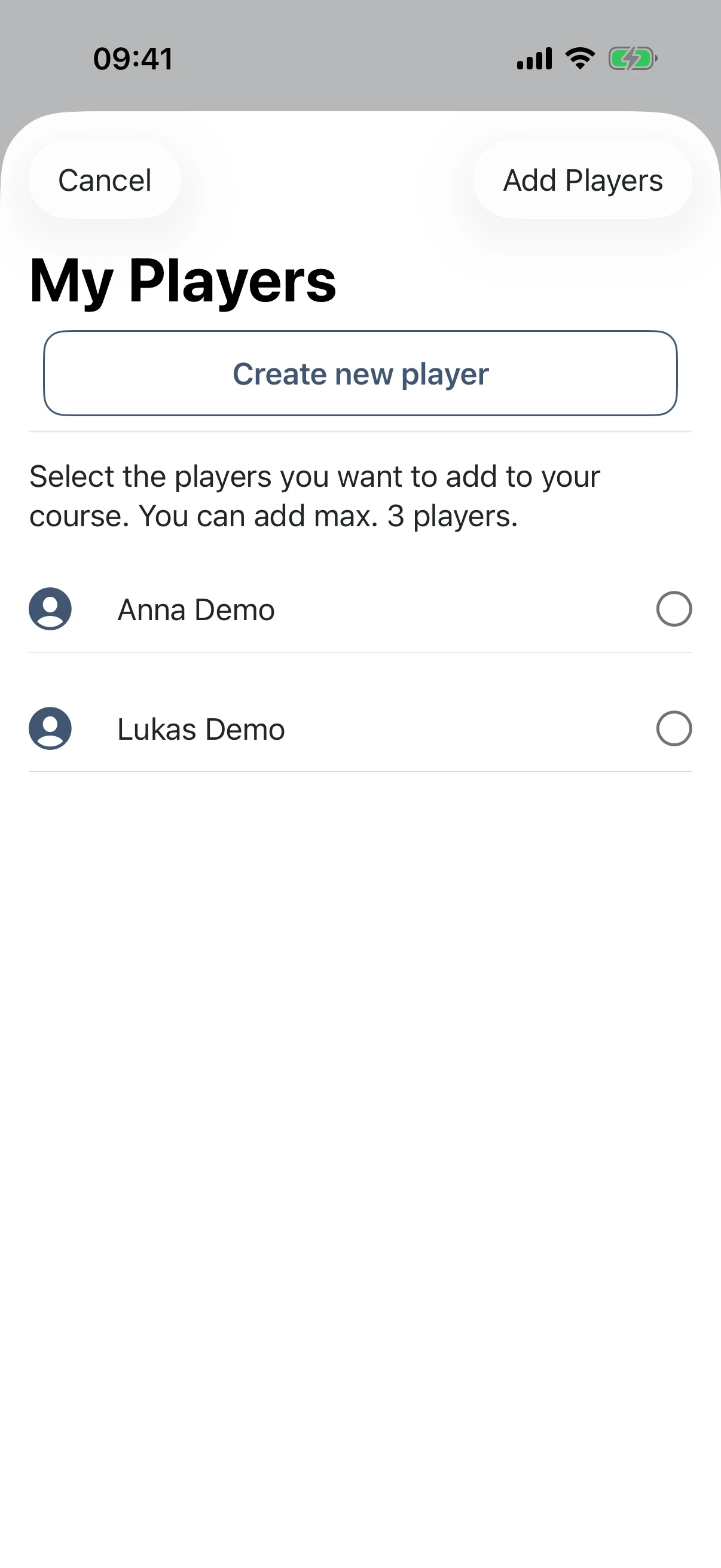
Playing partnersOn the iPhone only: pick playing partners from your list or add new ones, each with their own tee. 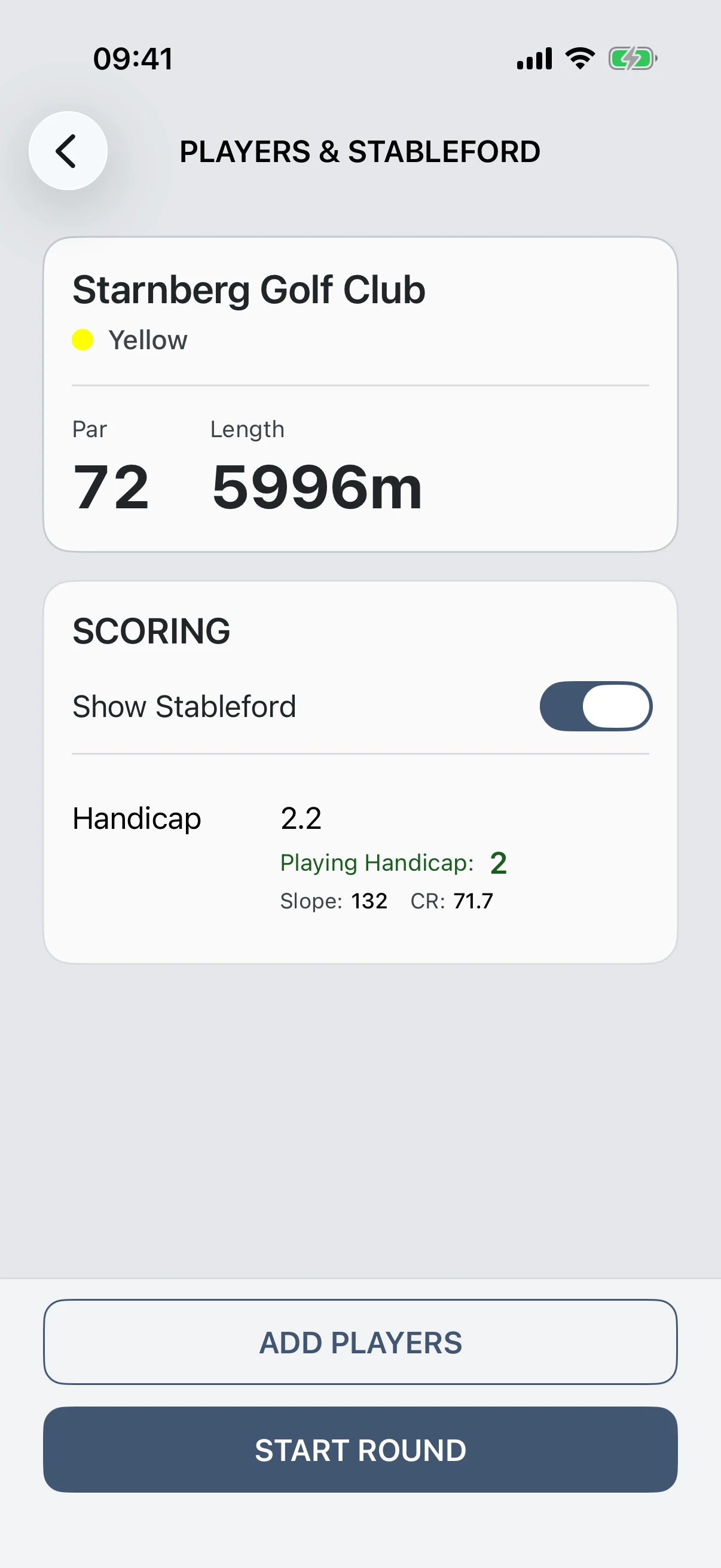
Starting the roundCourse, tee and par at a glance once more, then off you go; on the iPhone you also turn your handicap and Stableford on or off here.
Next
Previous
01 Getting started
Getting started
Your first steps in the bebrassie app, from signing in to your first round.
Up next
03 On the course
On the course
What the bebrassie app shows during the round, hole by hole.
04 Scorecard
Scorecard
Keep the scorecard in the bebrassie app, end the round and upload it.
Play your next round with a plan
Record your rounds, see where the strokes go, and decide before the shot rather than after it.