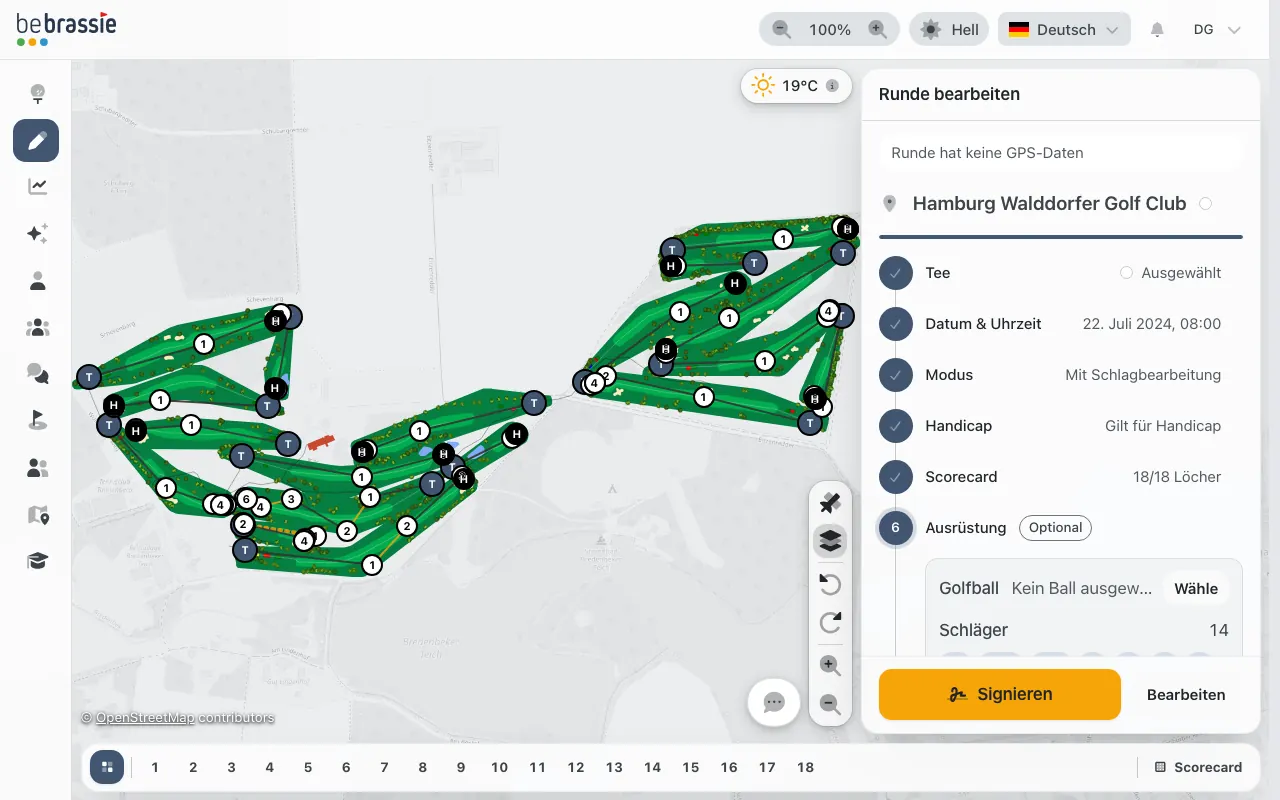
How do I do the post-round review of a round?
After you play, your round is in bebrassie as an unsigned round. In the post-round review, you check the score and the shots on the map and finish the round by signing it. Only then do the stats show you where you gain and lose shots.
1. Open the round
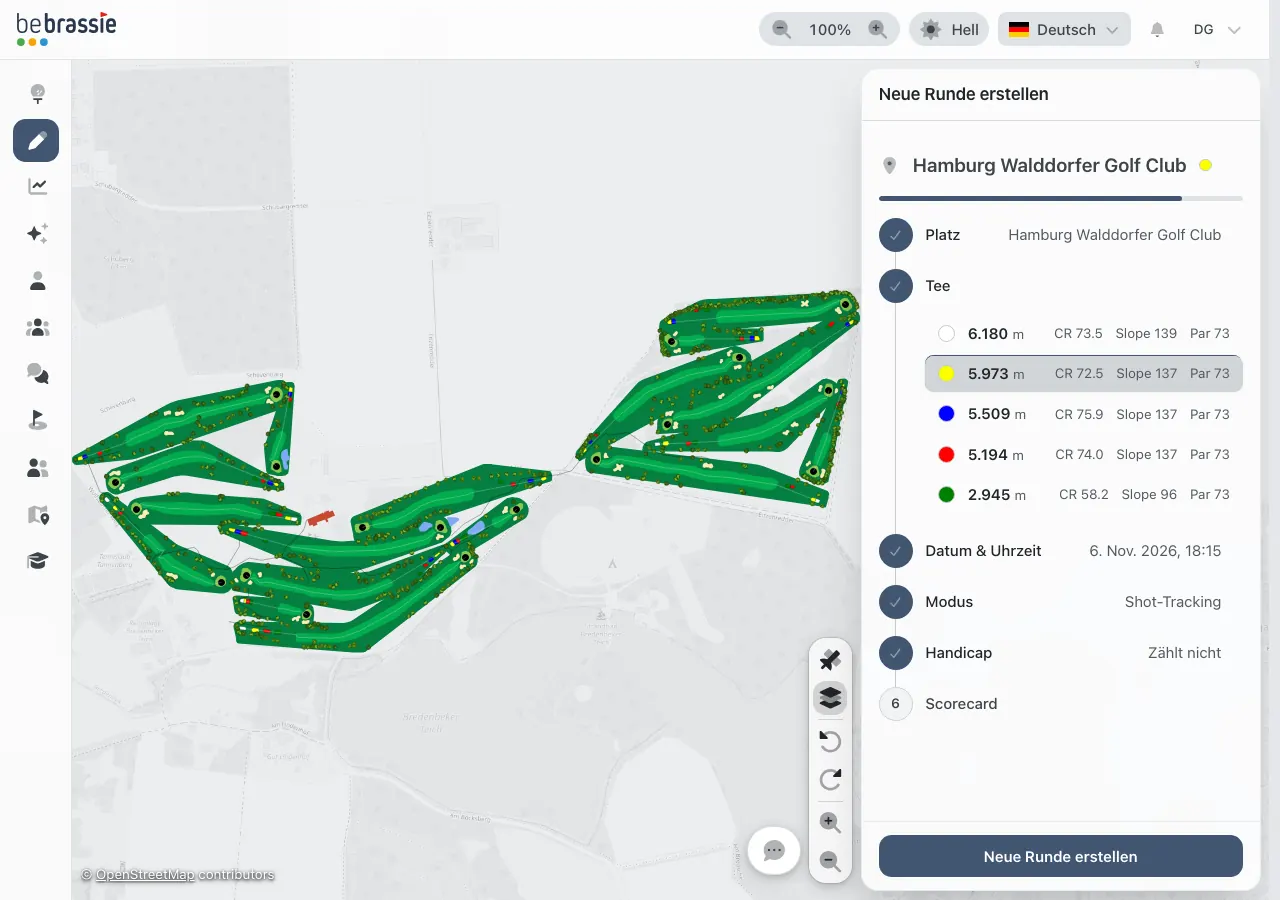
You find it under your open rounds Open in the app. Click Edit your round there. If you played without the app, you create the round on the Rounds page with Create round and select the course and tee.
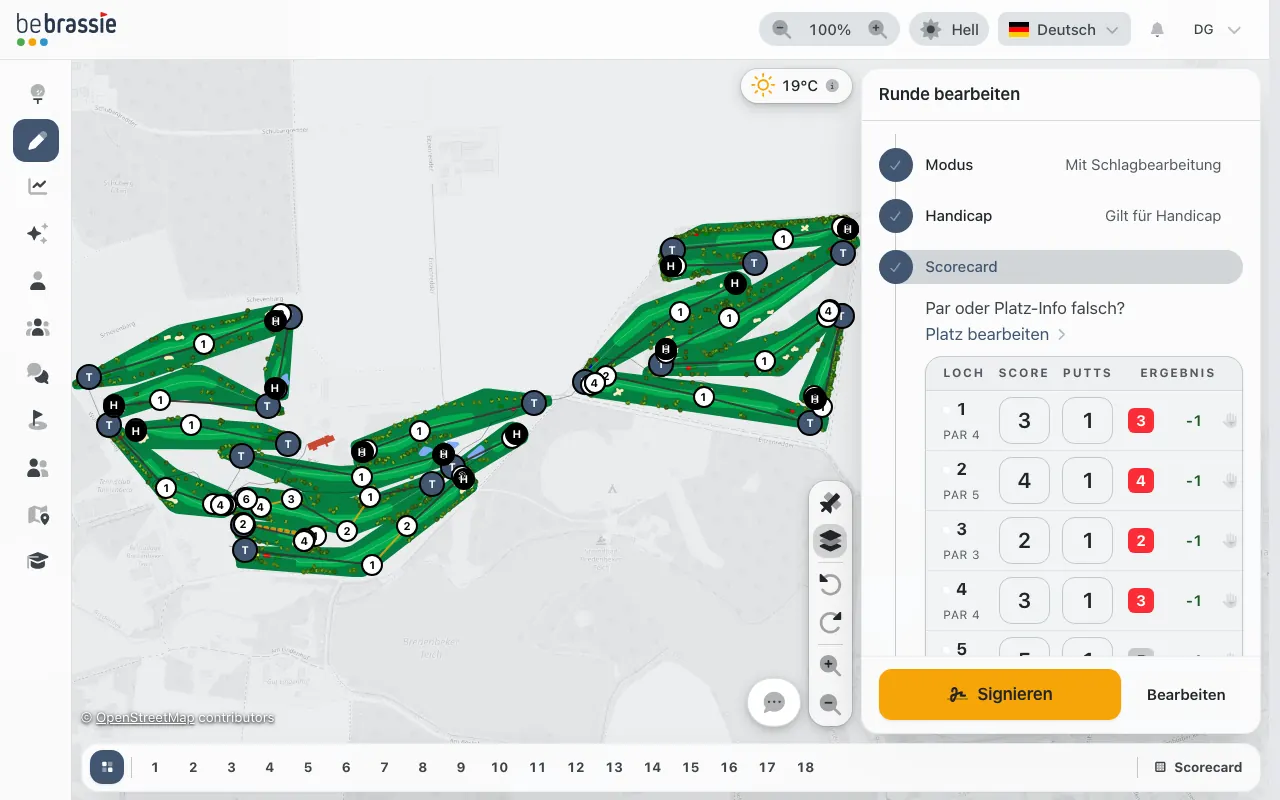
2. Fill in the scorecard
In the Scorecard section, enter the score and putts for each hole. The putts matter because they tell the app how many shots happened on the green. Leave holes you didn't play empty.
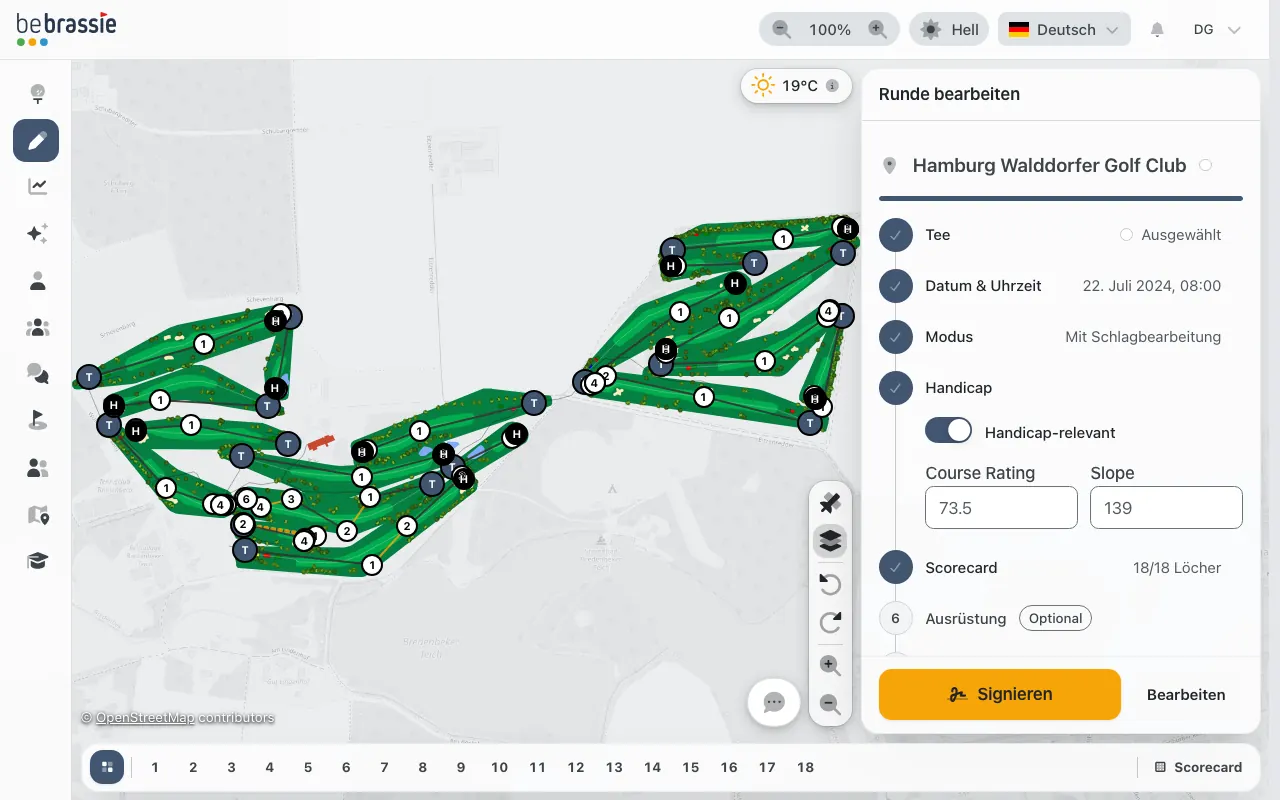
3. Check the round details
- Date & time: Correct the time if necessary.
- Handicap: Turn on Count for handicap if the round should count toward your handicap.
- Details: Select the Round type and use Note to record what was special, for example “greens were aerated”.
For the round type you can choose between Tournament, Practice and Social. How you classify it is up to you. A private round played by the rules often says as much as a tournament. A practice round with a second ball or a particular practice goal would rather distort the stats.
4. Go through the holes
Start editing takes you to the map of the first hole. If the round already matches the score, the button is called Edit. If a hole has a score but no shots yet, the app creates them as a suggestion.
- Drag each shot to where it really lay.
- Click a shot to change Lie, Club and Type with the icons, or to insert or delete a shot. Their name appears when you point at them with the mouse.
- Click Save and then Continue to go to the next hole.

To do all holes at once, the Shots section has the Auto-generate shots for all holes button.
5. Sign
As soon as the shots match the score on every hole played, Sign appears. The round is then locked and counts in your stats. If you want to change anything else, select Unsign round.